

Snap one photo of a toy or handmade creation — KidsAI turns it into a short animated film in about a minute. Clay, felt, paper, building bricks: if your child made it or loves it, it can star.
Already have a great photo? Animate it directly.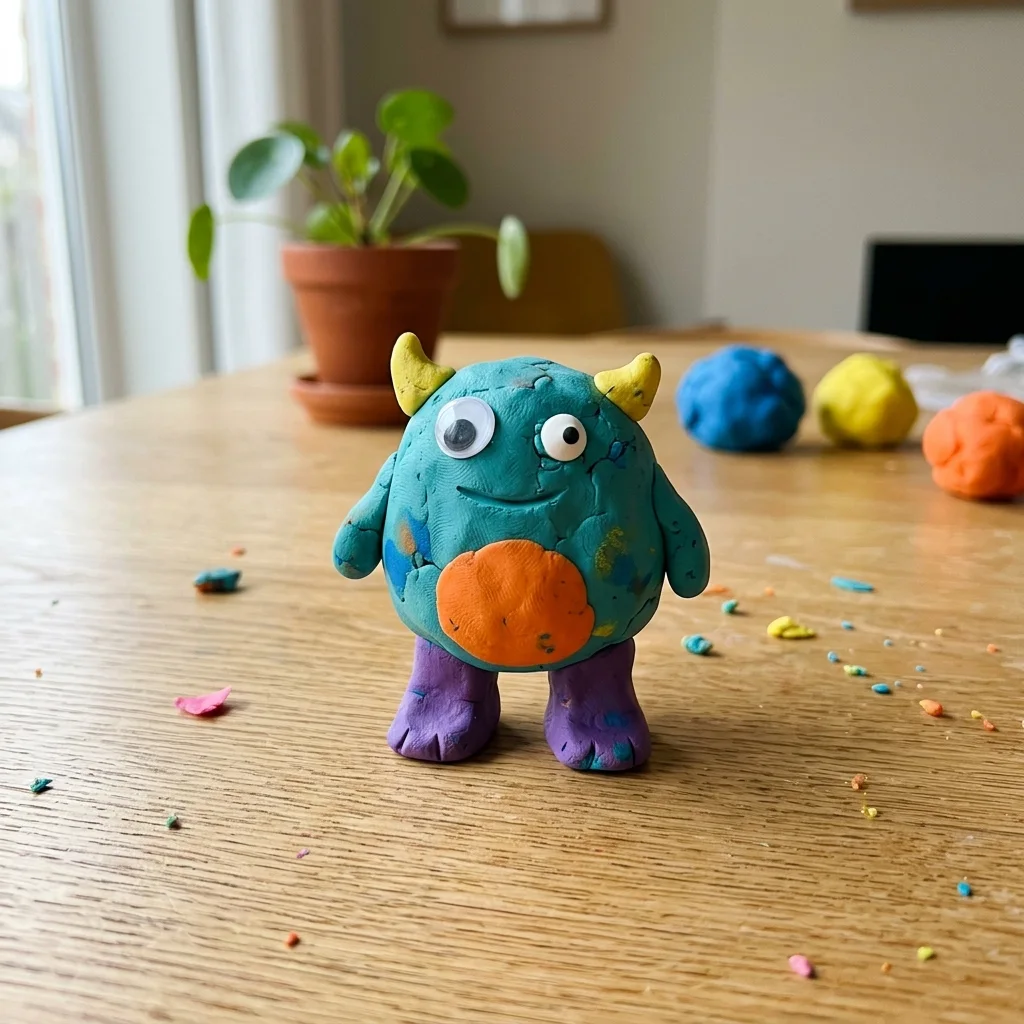
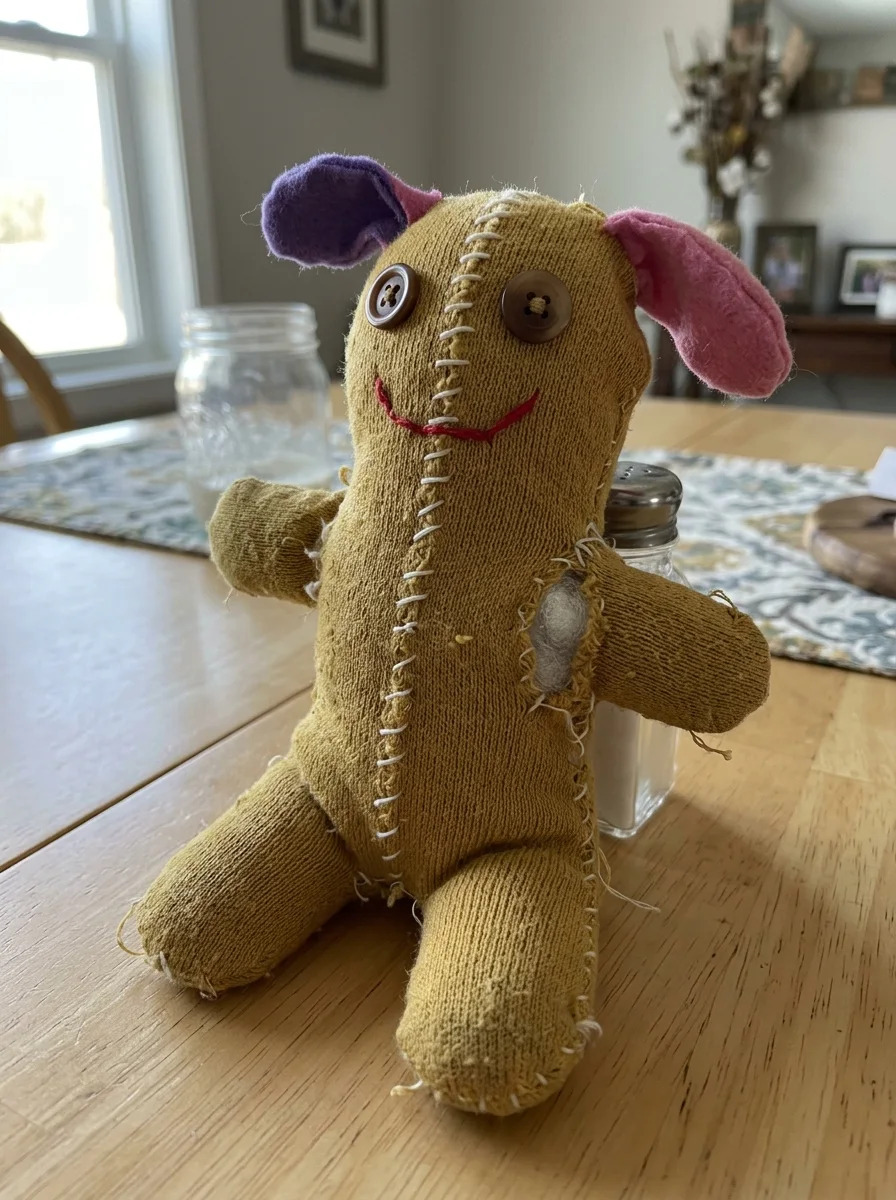
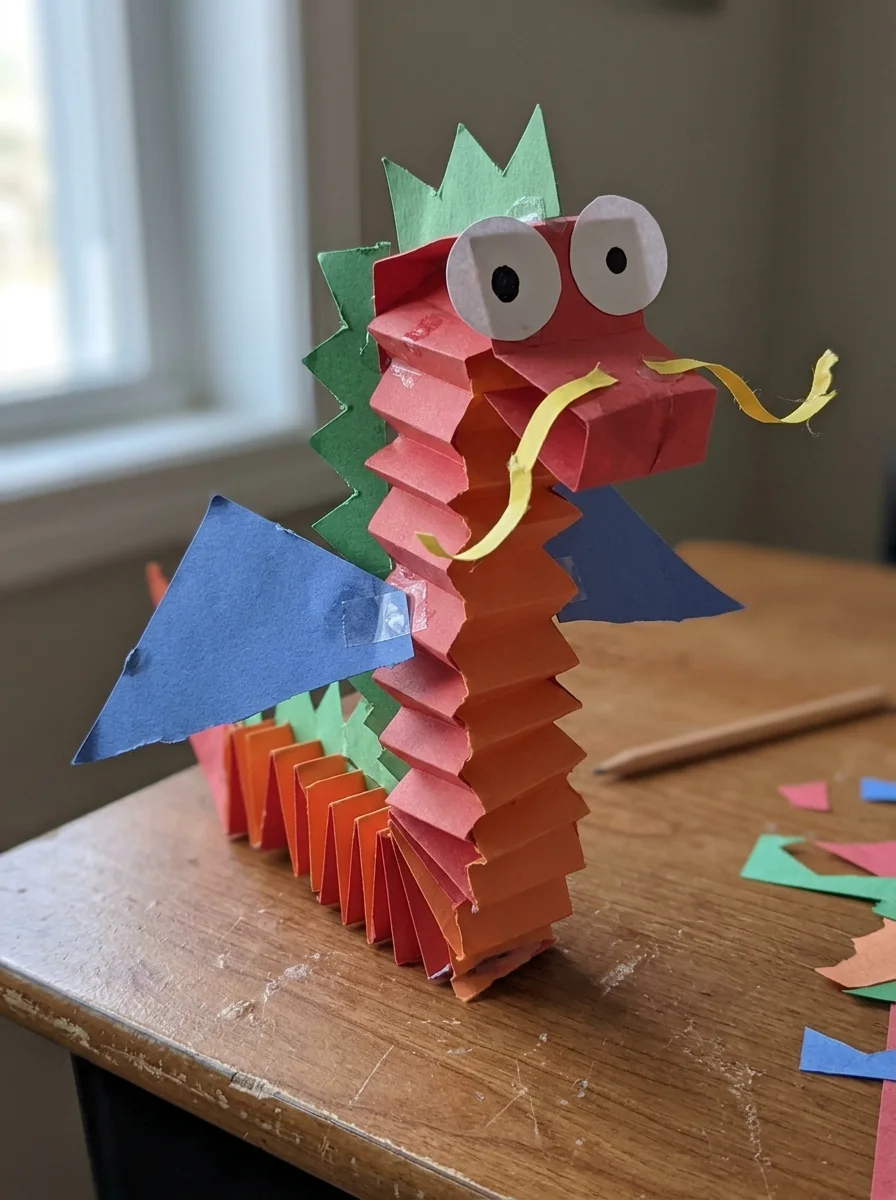
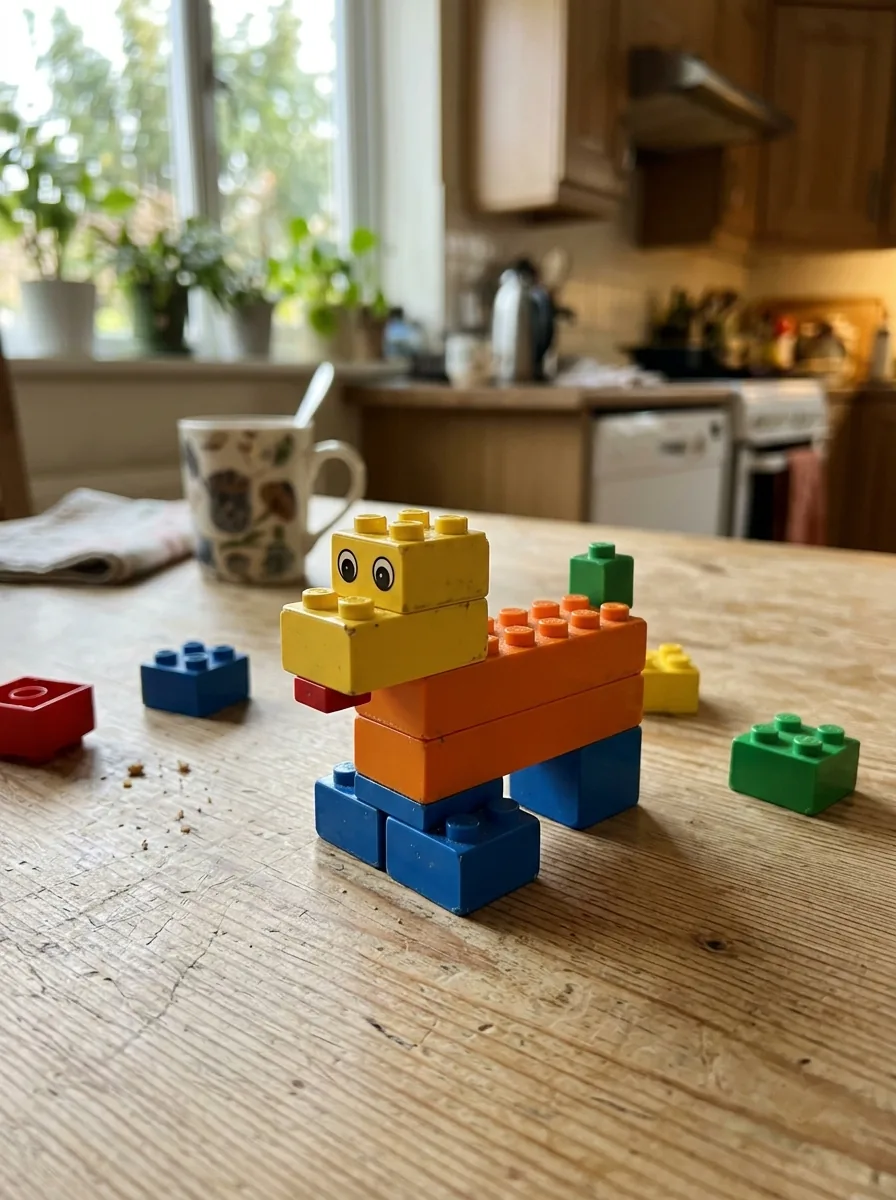
Every film starts from one real photo — see the little inset in each corner. Original creations work best; toys based on well-known commercial characters may not be supported.
Meet the clay dinosaur — from the kitchen table to its own little film in about two minutes.
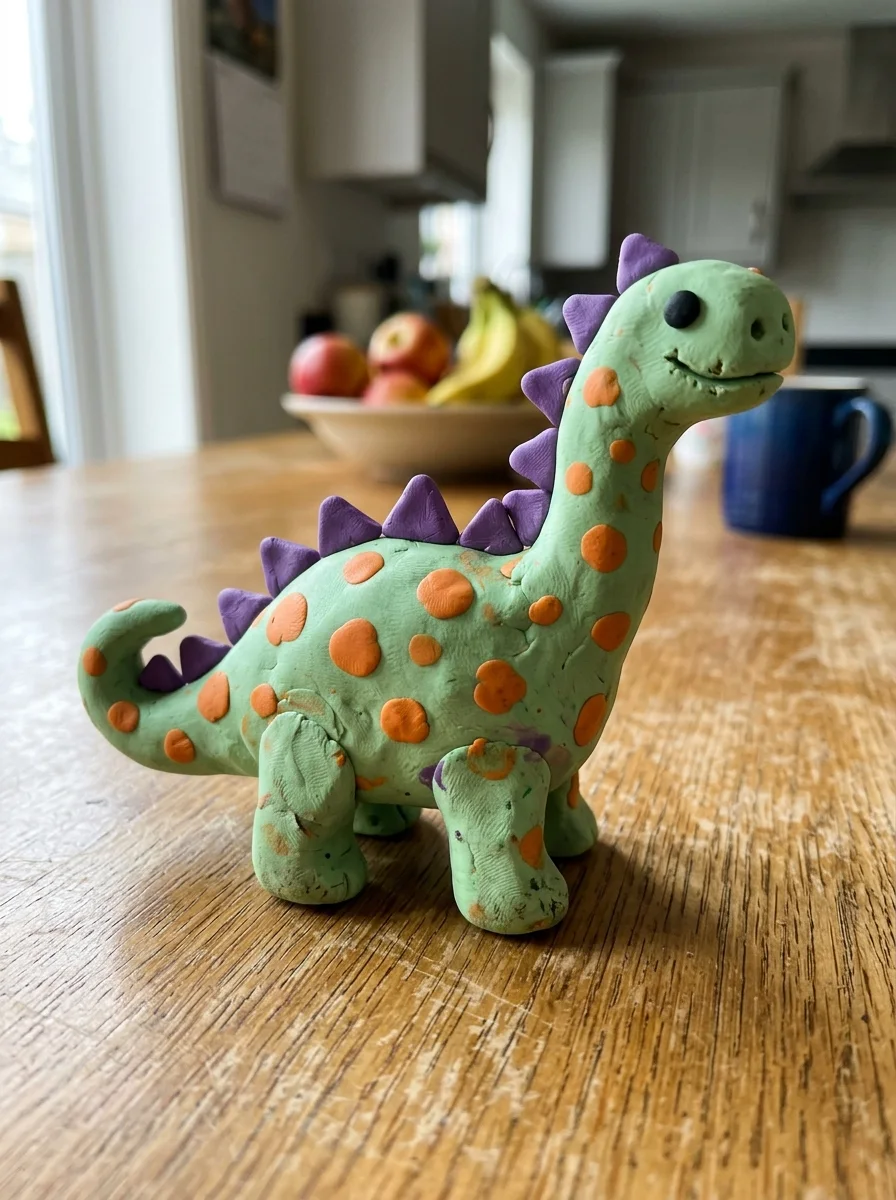
Whole toy in frame, hands out of the shot.
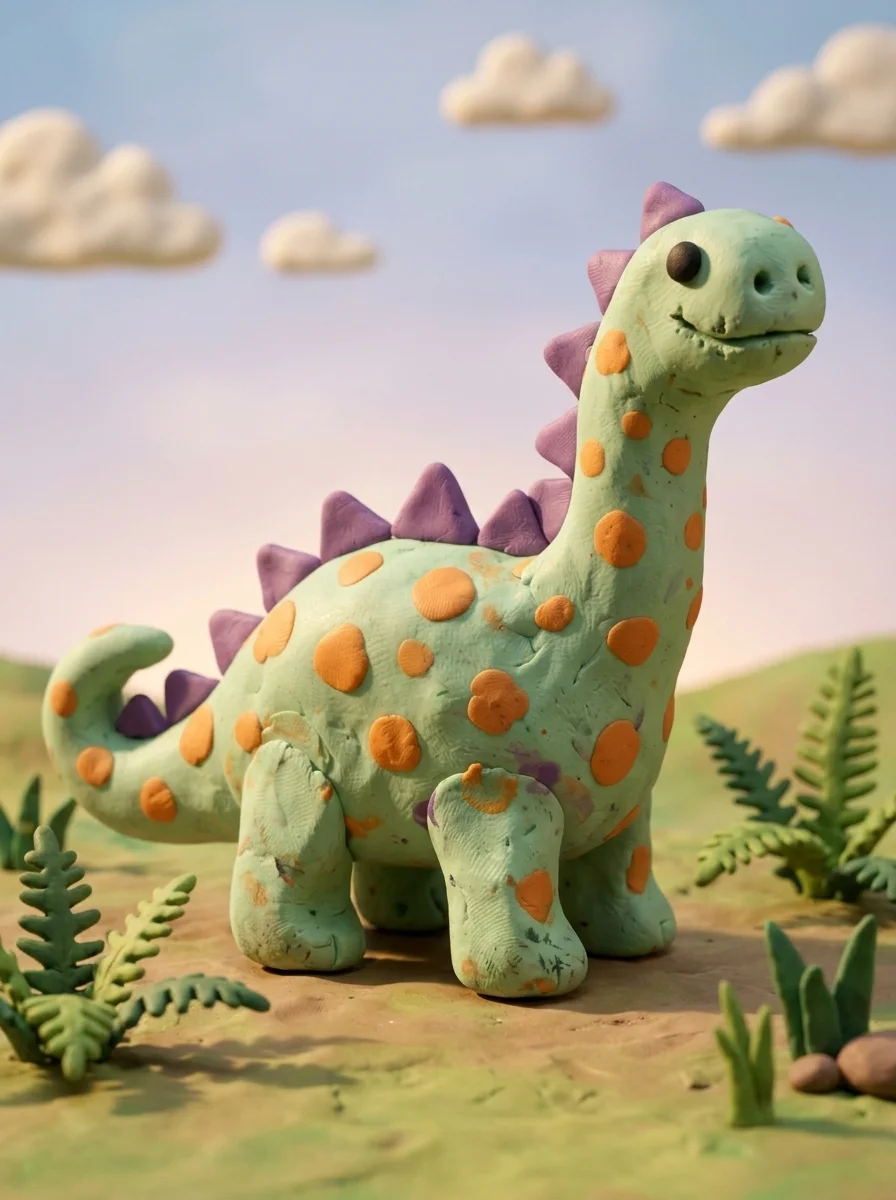
Already selected when you arrive — just hit generate.
Pick a mood — a little film in about a minute.
Stop motion is a wonderful craft — and a big commitment: hundreds of photos, hours of tiny adjustments. KidsAI starts from a single photo and delivers a finished film in about a minute, so kids spend their time inventing characters and stories instead of repeating camera moves. Many families use both: KidsAI for everyday little films, stop motion for the big school project.
When your child photographs a creature they sculpted, drew, or built, the copyright in that character is theirs — and the film KidsAI makes is theirs too. That's why KidsAI works best with original creations: famous characters from movies and TV belong to other companies, and our system may decline them. A great excuse to grab some clay and invent a brand-new hero instead.
Yes — KidsAI works right in your browser on any phone or computer, no download needed, and there's also a KidsAI iOS app. Snap a photo of the toy, and KidsAI animates it into a short film.
Original creations work best — a hand-sewn plushie, a clay animal, a one-of-a-kind craft, a building-block creation, or generic toys like teddy bears and dinosaurs. Toys based on well-known commercial characters may not be supported: KidsAI is built to celebrate what your child makes, not what a factory makes.
The actual toy. The lopsided eyes, the wobbly legs, the colors your child chose all stay. Keeping a child's creation recognizable is the heart of how KidsAI works — for drawings and for toys.
They're the star of the show. Clay figures already have wonderful character, and the claymation polish step makes them look like they walked off a film set — fingerprints, seams, and all.
A normal room background is fine — the style step cleans it up. But keep hands and faces out of the frame: photos with people in them are declined automatically to protect children's privacy.
It's optional, but it's the secret to great results. When coloring, choose the "Claymation" (or "3D") style from the style list — it turns an everyday phone photo with dim light and a busy background into a clean, studio-lit character frame, and films made from the polished frame look dramatically better.
Stop motion takes hundreds of photos and hours of patience — a wonderful craft, but a big commitment. KidsAI starts from one photo and animates it in about a minute, so kids spend their time inventing characters and stories instead of repeating tiny camera moves.
The claymation polish takes about 30 seconds and the film about a minute more. From toy shelf to premiere in under five minutes, including snack break.
Photos are processed to create your artwork and video, and are never used to train AI models. Creations stay private to your family by default — sharing is always your choice. See our Privacy Policy.
Your family owns what you make — download it, keep it, play it at birthday parties (for personal, non-commercial use). New accounts start with free trial generations, enough to bring a toy or two to life before deciding. No credit card needed.
One photo today, one little film your child will replay all week.
No credit card. Free trial generations to start. Have a drawing instead? Animate your child's drawing →