

Upload your child's drawing, pick a motion mood, and KidsAI turns it into a short, family-ready video. Free trial for ages 3–12, no editing skills needed.
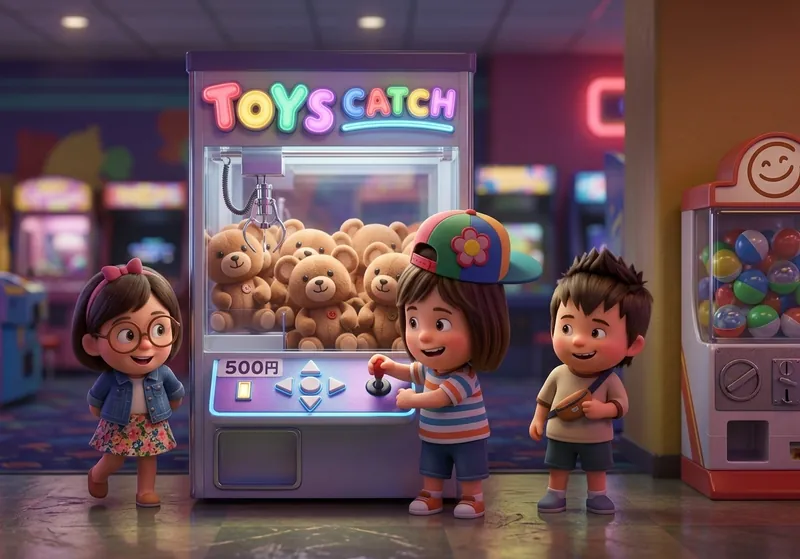
From a pencil sketch on paper to a short video your family can share — about a minute total.
Upload your child's colored drawing, or color a sketch first with the KidsAI Coloring tool.
Fairytale, Humor, Peaceful, or Dynamic — pick the mood that matches your child's drawing.
Describe what should happen in the video — or skip and let KidsAI choose.
Wait about 60 seconds. Your 6 or 10-second video is ready to download and share.
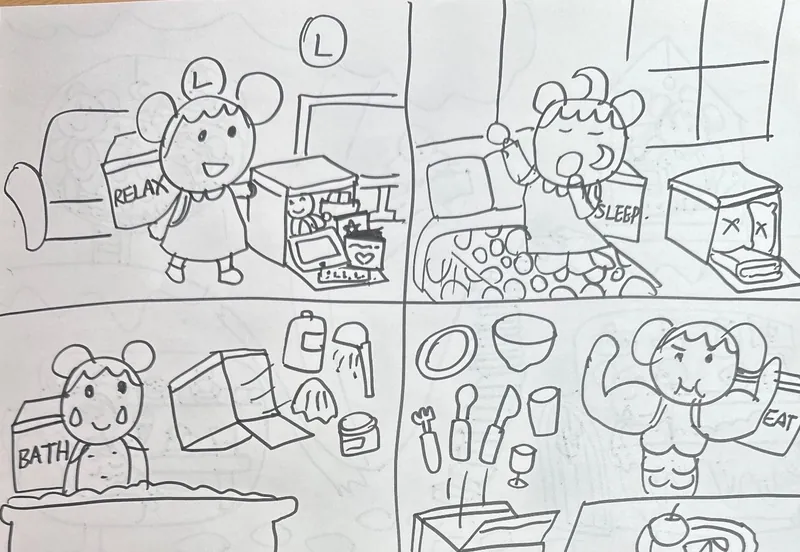
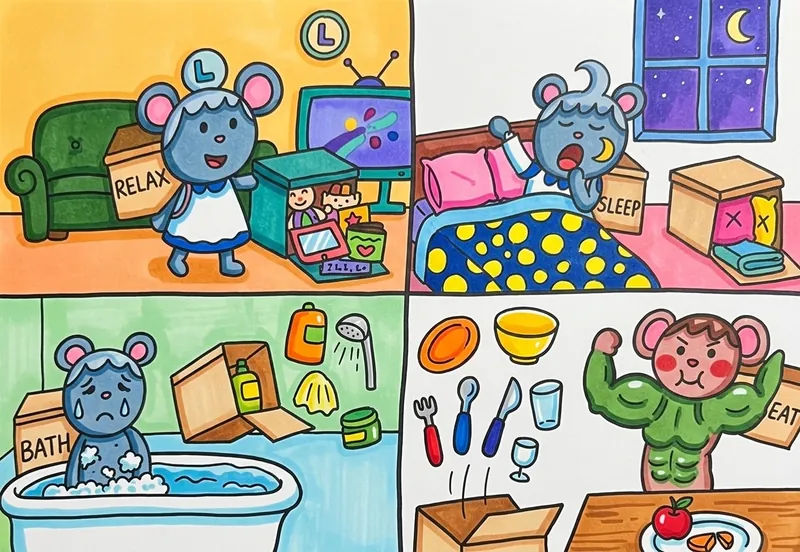
From a child's pencil sketch, to colored art, to a short video — the full flow at a glance.
A sequential storyboard — the same characters reappear across panels with shifting expressions or action beats. KidsAI reads the panels in order and dissolves between them, so the story unfolds beat-by-beat instead of being squashed into a single shot.
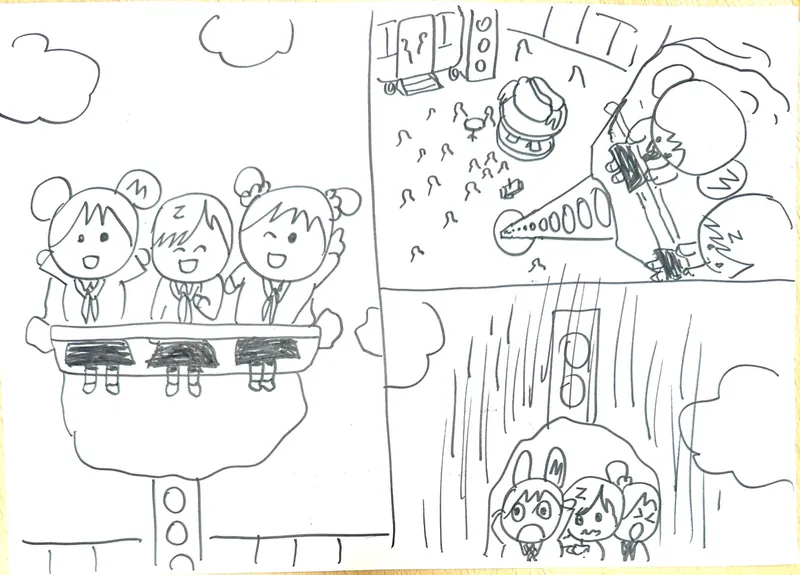
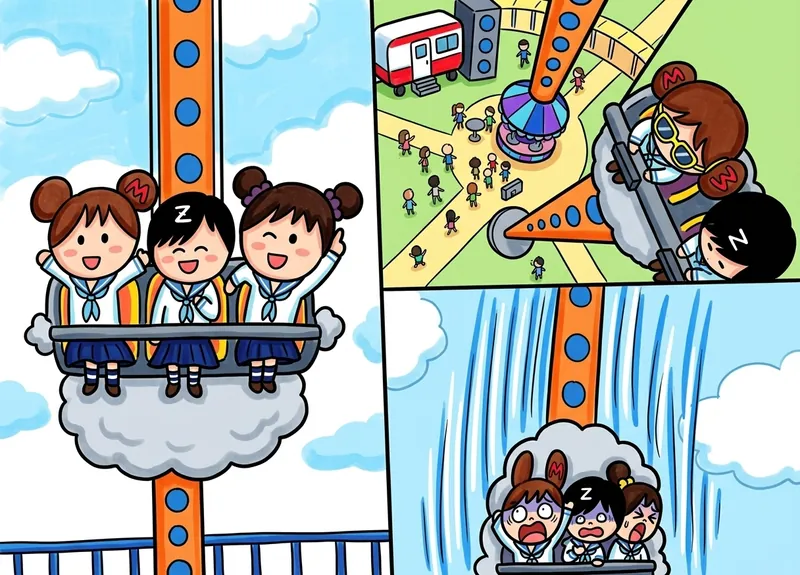
A single-scene character piece — one composition, one moment, one or several subjects sharing the frame. KidsAI picks a gentle camera move (push-in, slow orbit) so each character animates in place without rearranging the layout you drew.
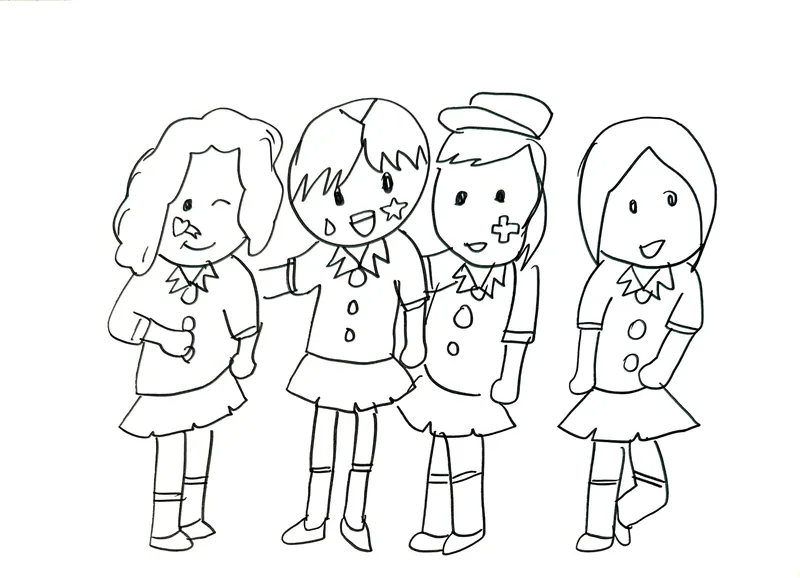
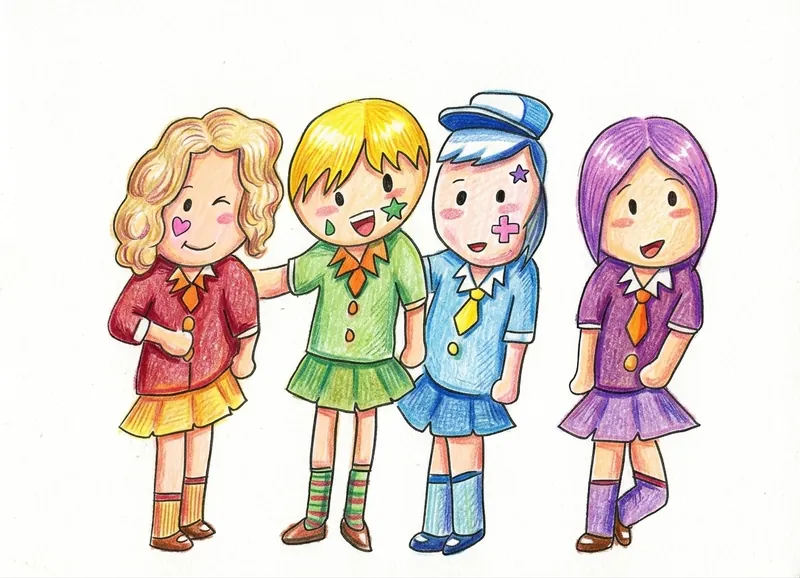
A 4-panel comic page where each cell is its own micro-story. KidsAI frames every panel fullscreen on its own beat and freeze-holds the closing pose, so each punch line lands cleanly instead of all four panels getting fused into a collage.
More samples are visible in the KidsAI gallery.
No. KidsAI never trains on user uploads. Your child's drawing belongs to your child — it's processed, the video is returned, and the source is retained only briefly so you can re-download from your gallery.
KidsAI keeps the original artwork recognizable. Your child should clearly see their own drawing in the video. If a result feels off, try a different motion style or regenerate — different drawings respond differently to different moods.
About 60 seconds per video. New accounts start with 10 free credits, and a video costs 5–22 credits depending on its length and resolution — enough to try it before you decide whether KidsAI is right for your family.
Ages 3–12. Younger children may need a parent to help with the photo upload step. By around age 7, most kids can run the full flow on their own.
Every video preserves the original drawing. We don't replace your child's spiky dinosaur with a stock dinosaur — their art is the starting material.
Safe, ad-free, no editing tools to learn. Parents can run the whole flow in about 60 seconds with one hand on a phone.
Print the drawing, share the video. Watch your child's face the first time they see their own art move on screen.
Turn a pencil sketch from yesterday into a short video tonight.
No credit card. 10 free credits when you sign up (coloring a drawing is 1 credit; a video is 5–22 credits depending on its length and resolution). Have a favorite toy or clay creation instead? Bring your child's toys to life →