
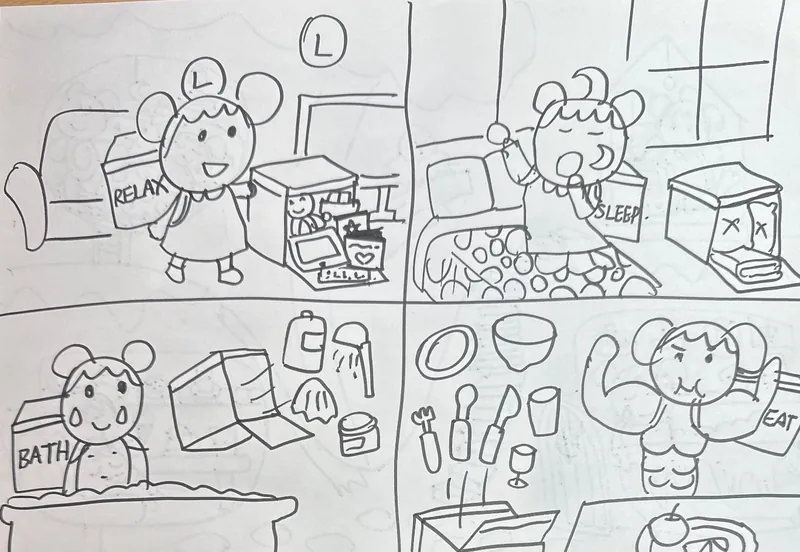


Upload your child's pencil sketch, pick a style — watercolor, crayon, 3D, pixel art and more — and KidsAI colors it in about 30 seconds. Free trial for ages 3–12, the original drawing stays recognizable.
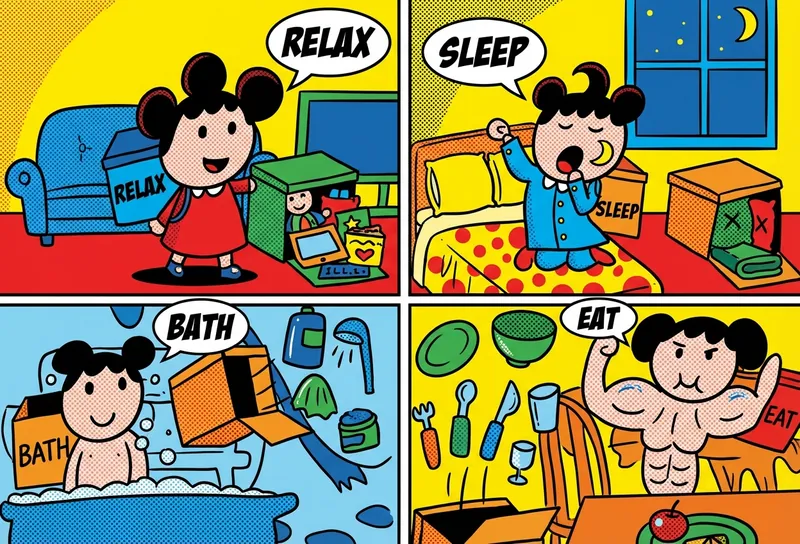
Not a coloring page generator. KidsAI keeps the composition and shapes of your child's actual sketch — three-legged dinosaurs and all.
Watercolor, crayon, 3D, pixel art, clay, marker, comic, ink and more. The same drawing can become many different pieces of art.
No ads, no open-ended prompt input, no targeted recommendations. Uploads are never used to train AI models.
From a pencil sketch on paper to AI-colored artwork in about 30 seconds.
Use your phone to take a clear photo of your child's drawing.
Upload the photo to KidsAI Studio and crop or rotate so the drawing is clear.
Choose from 20+ styles — watercolor, crayon, 3D, pixel art, clay, marker and more.
Click generate. The colored artwork is ready in about 20–30 seconds.
Real children's drawings colored by KidsAI in 8 different art styles — the same source sketch can become almost anything.

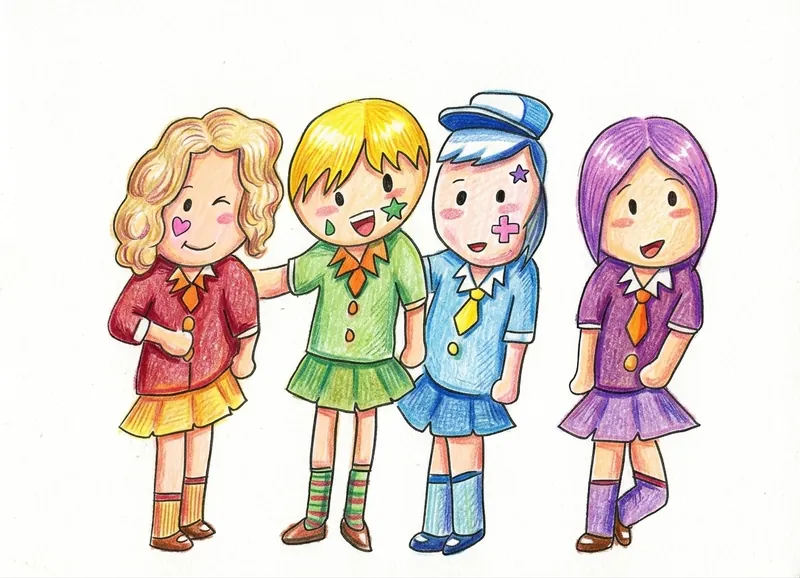
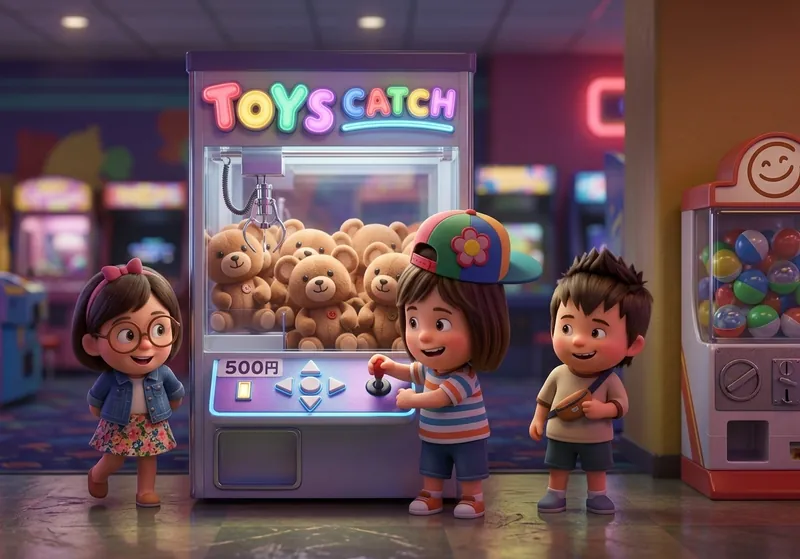
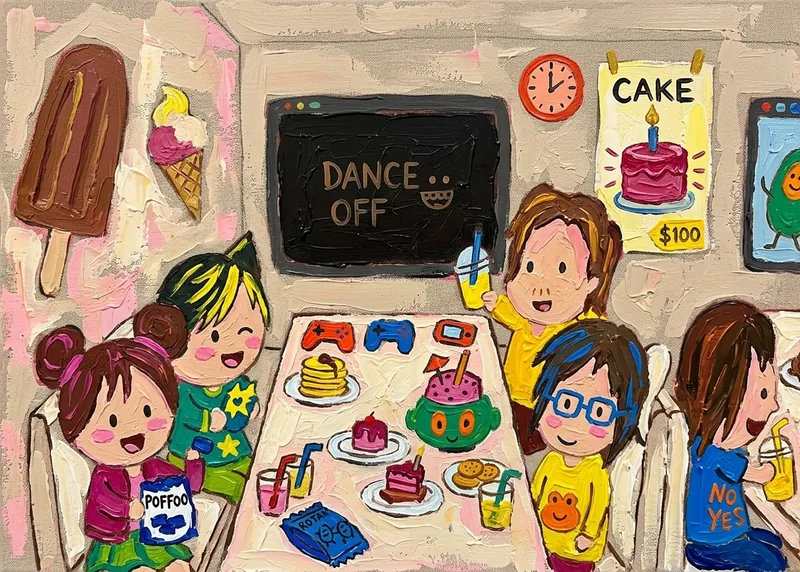
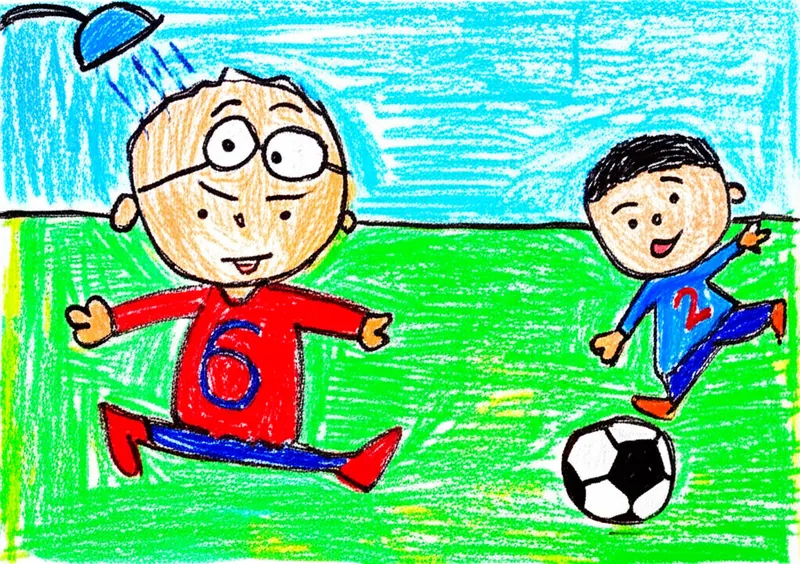
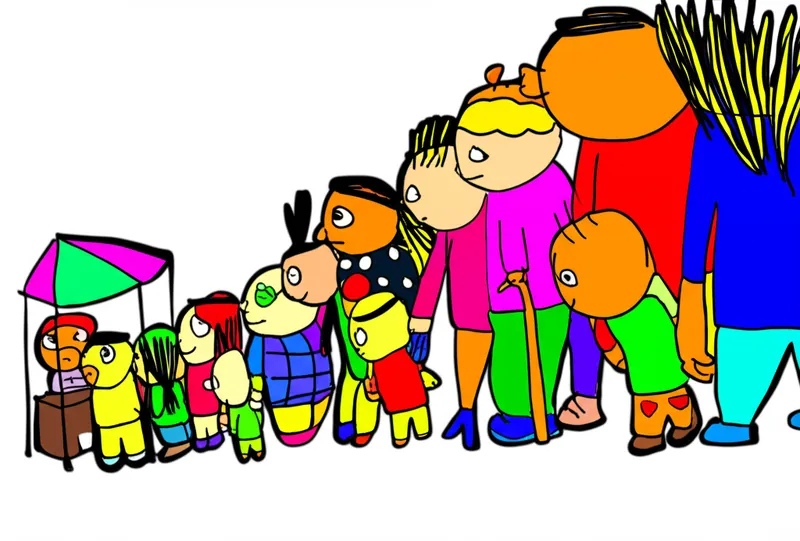
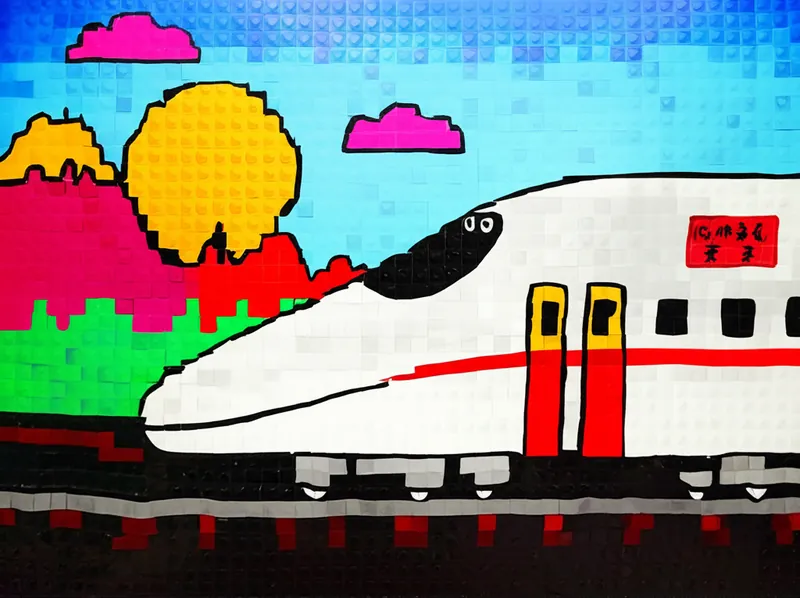
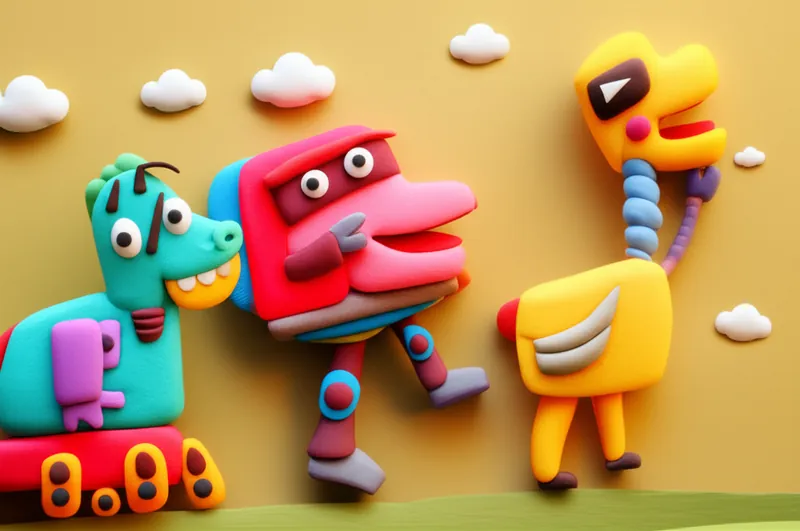
More examples are visible in the KidsAI gallery.
No. KidsAI preserves the composition and shapes of your child's drawing — if they drew a three-legged dinosaur, the colored version is still a three-legged dinosaur. The AI adds color and texture, it does not redraw the picture.
More than 20, including watercolor, crayon, 3D render, pixel art, clay, marker, comic, ink, oil painting, acrylic, colored pencil, and others. Try the same drawing in several styles to see which one your child likes best.
About 20–30 seconds per generation. New accounts start with 10 free credits, and each coloring uses 1 credit — enough to try several styles on a couple of drawings before deciding whether KidsAI is right for your family.
No. KidsAI never trains on user uploads. The drawing is processed, the colored result is returned, and the source is retained only briefly so you can re-download from your gallery, then it's removed.
Turn a pencil sketch from today into colorful artwork in about 30 seconds.
No credit card. 10 free credits when you sign up (1 credit per coloring). Have a favorite toy or clay creation instead? Bring your child's toys to life →