
AI Coloring App for Kids: Turn Any Drawing into Art
Published April 2026 · 8 min read
In this guide
If you have searched for an AI coloring app for kids, you already know there are dozens of choices. Some are simple drawing apps with a few filters. Some are paid subscriptions locked behind trial periods. Some are actually great, and a few are thoughtfully built for children. This guide explains what an AI coloring app for kids actually does, how to tell a good one from a gimmick, and what matters most when choosing one for your child.
We will also show how KidsAI — an AI coloring app built for ages 3 to 12 — fits into the picture, without pretending it is the only option. By the end you will know the right questions to ask, the red flags to avoid, and how to start using an AI coloring app with your child today. If you would like the short product walkthrough first, see Color your child's drawing with AI.
What Is an AI Coloring App for Kids?
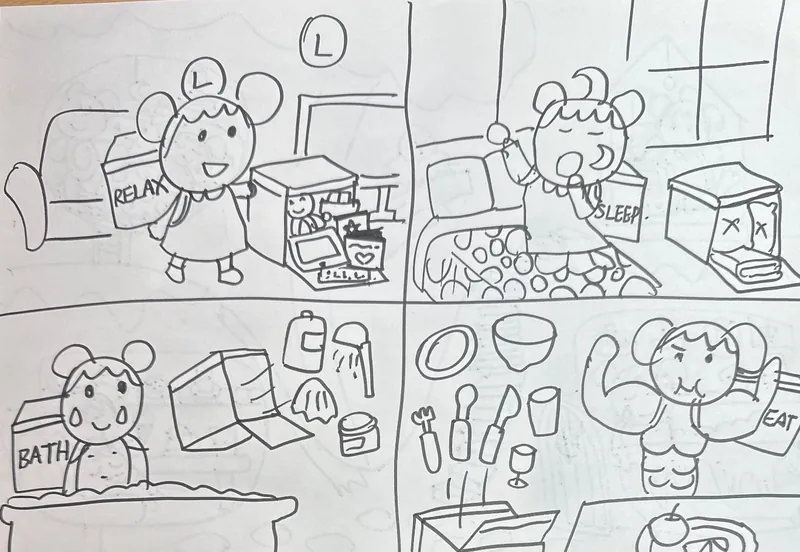
An AI coloring app for kids is a digital tool that takes a child's drawing — a sketch, doodle, or even a photo — and uses artificial intelligence to transform it into a fully colored, stylized piece of art. The key difference from a traditional coloring app is the starting point: your child creates the drawing, and the AI colors it. They are not filling in pre-drawn shapes from a library of printable coloring pages.
Good AI coloring apps for kids preserve the child's original composition. If your child draws a spiky dinosaur with one eye and three legs, the AI should color that exact spiky dinosaur — not replace it with a generic stock dinosaur. The app's job is to enhance, not overwrite, the child's imagination.
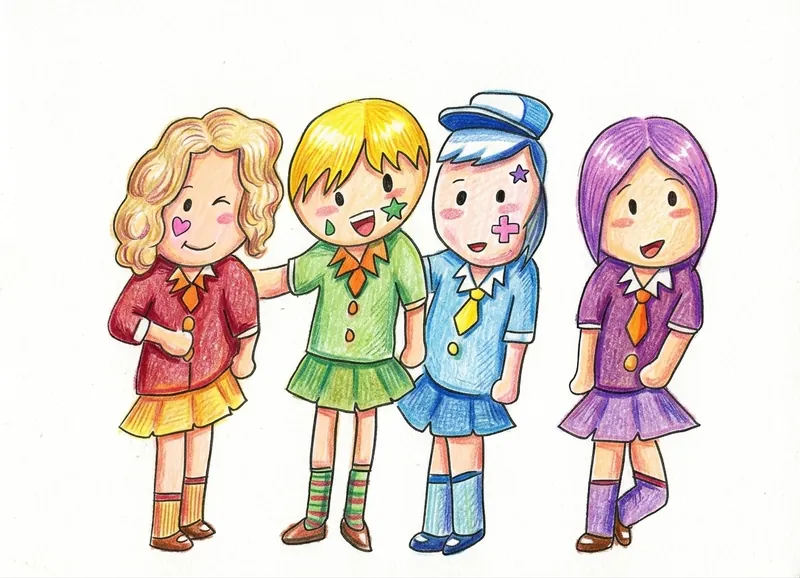
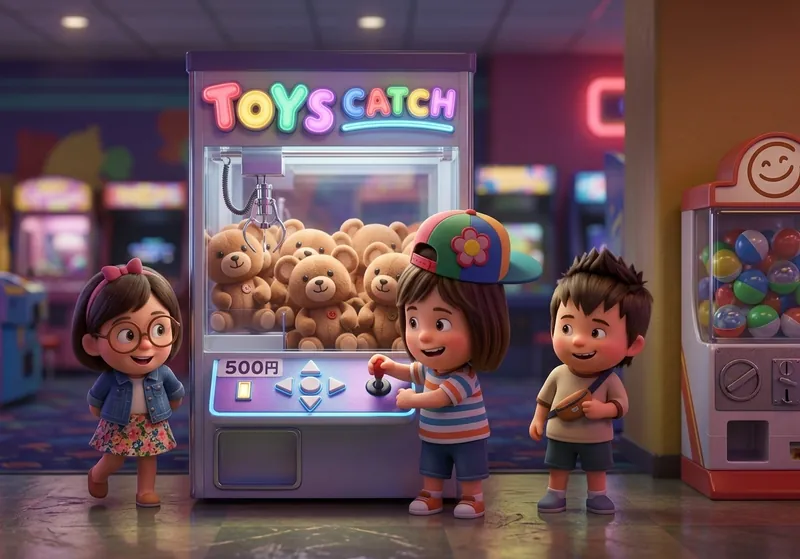
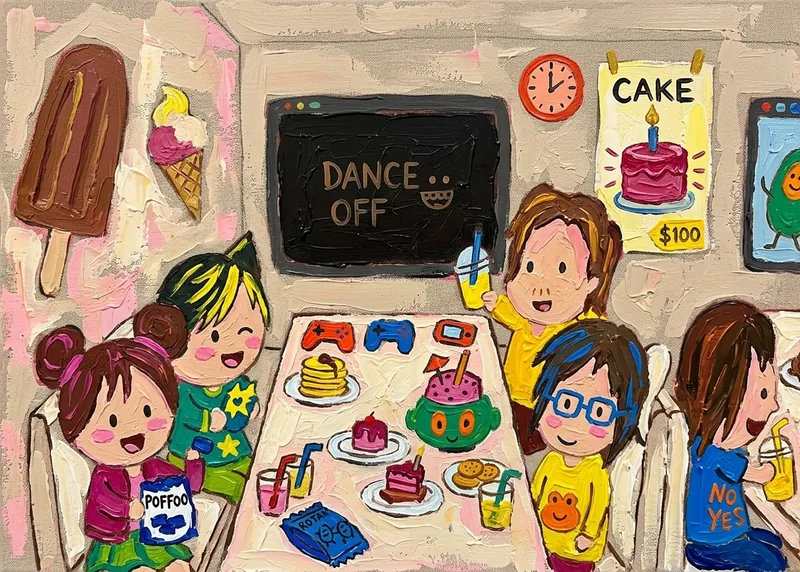
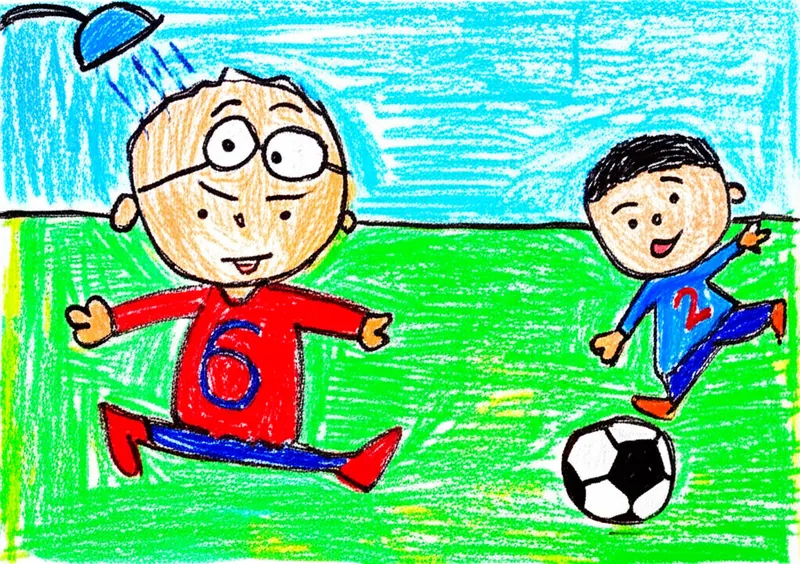
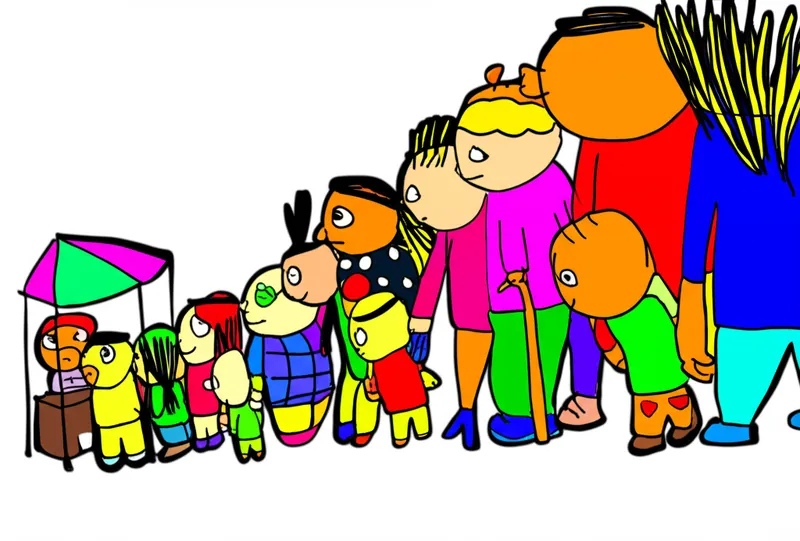
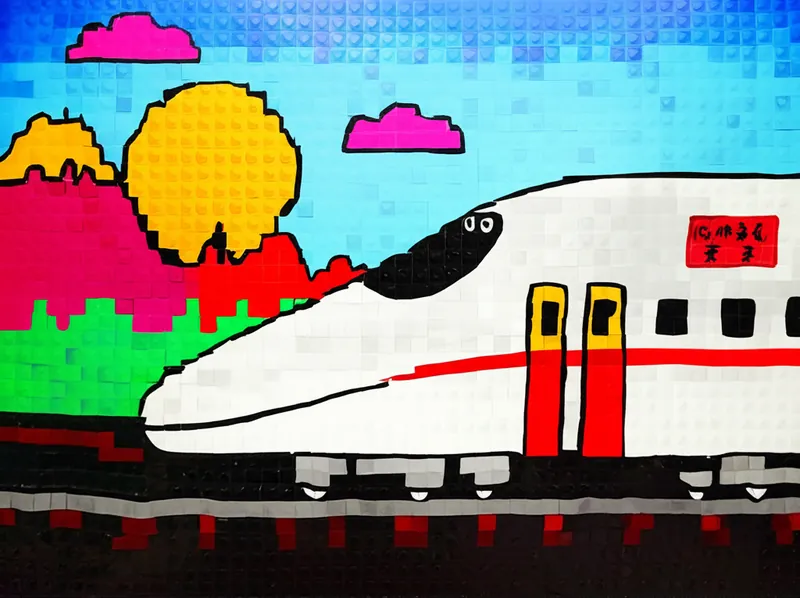
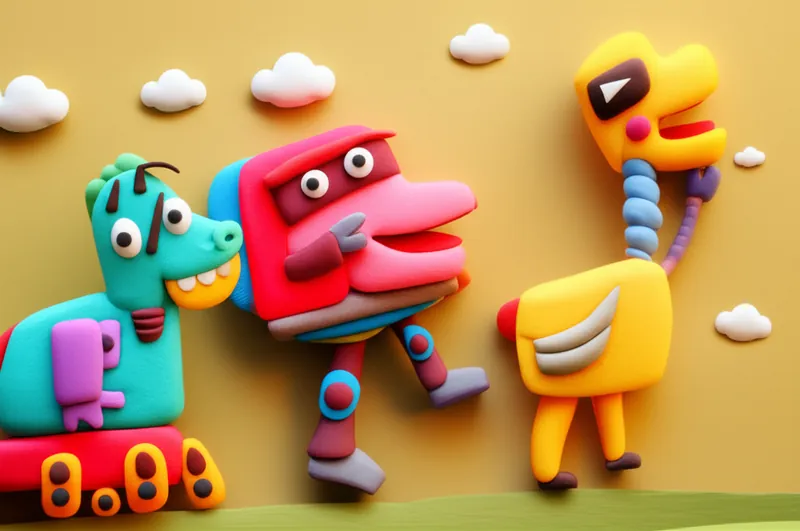
Most AI coloring apps offer multiple art styles. The same drawing might become a watercolor painting in one style, a crayon sketch in another, a 3D-rendered scene in a third. This lets children explore different artistic techniques through the lens of their own work. It is a subtle but powerful way to build creative confidence — the message being sent is, "Your art is good enough to become any of these things."

How AI Coloring Apps Work
Behind the scenes, a modern AI coloring app for kids uses a family of models called image-to-image diffusion models. The child uploads their drawing, the model recognizes the outlines and shapes, and then generates a new image guided by those shapes and whatever art style the child selected. It is the same underlying technology that powers professional AI art tools, just with the rough edges smoothed over for children.
A well-built AI coloring app does three things on top of the raw model:
- Content safety filtering — Models are fine-tuned on child-friendly imagery and have filters preventing inappropriate outputs, even when a child's drawing is ambiguous.
- Style constraints — Instead of giving kids an open text box and asking them to describe what they want (which they often cannot articulate), the app offers a curated set of visual styles that look good on any input.
- Child-friendly interface — Big buttons, minimal reading required, immediate visual feedback. A 5-year-old should be able to use the core flow without a parent's help.
The processing happens in the cloud — your child's drawing is sent to a server, transformed, and returned as a new image. Good apps delete the source image after a short retention period and never train their models on children's uploads. If an app is not explicit about these policies, that is a red flag.
What Makes a Good AI Coloring App for Kids
Safety and Privacy
The most important question for any app your child uses. Look for: no advertising, explicit policies about what happens to uploaded images, no data sold to third parties, content filtering tuned for children's contexts, and no open-ended prompt input where kids could accidentally generate inappropriate content.
Preserves the Child's Drawing
Some AI tools generate a completely new image inspired by the prompt and ignore the original drawing's composition. For a kids coloring app this is wrong — the whole point is that the child's art is the starting material. Test an app by uploading a simple, odd drawing (a house with a triangle roof and a square door but no windows) and see if the output preserves those elements or replaces them with a generic house.
Speed
Children are not patient. An AI coloring app that takes two minutes to process a drawing loses their attention before the result appears. Good apps render in 15 to 30 seconds on modern models. Anything over a minute is a problem for the target age group.
Variety of Styles
A good AI coloring app offers at least 5 to 10 distinct art styles — watercolor, crayon, 3D rendering, pixel art, clay, marker, and so on. Variety lets the same drawing become multiple artworks, teaching children that art is interpretation as much as technique.
Free Trial That Actually Works
Many AI coloring apps for kids offer a free trial that only lets you generate one or two images before demanding a subscription. That is not a real free trial — it is a demo. Look for an app that gives you enough trial credits to genuinely try it with your child over a few sessions. Our own pricing for KidsAI gives 10 free credits on signup (1 credit per coloring), and a paid plan starts at $3.99/month for families who need more.
No Account Required to Try
Bonus points for apps that let you try the core feature before creating an account. Signing up for an app before knowing whether it works for your child is friction that many parents will not push through.
AI Coloring App vs Traditional Coloring Apps
If you have used a traditional kids coloring app before, the experience of an AI coloring app will feel different. Here is a side-by-side:
| Aspect | Traditional Coloring App | AI Coloring App for Kids |
|---|---|---|
| Starting material | Pre-made outline templates | Child's own drawing or photo |
| Output variety | Same outline every time | Multiple styles from one drawing |
| Creativity demand | Pick a color, fill in | Draw first, then color |
| Personalization | Every user gets the same library | Every result is unique to the child |
| Art education | Color theory, staying in lines | Exposure to watercolor, 3D, pixel and more |
Both have value. Traditional coloring apps are great for fine motor skills and quiet play. AI coloring apps are better for creative confidence and exposure to different artistic techniques. Most parents we have spoken with end up using both, for different moments.
How to Use KidsAI, Step by Step
If you want to try an AI coloring app for kids right now, here is how to get started with KidsAI — it runs in your browser, so there is nothing to install.
- Go to the studio — Open kidsai.art/studio.html. No download required.
- Upload your child's drawing — Take a clear photo of the drawing with your phone, or scan it if you have a scanner. JPEG or PNG, any size up to around 8MB works.
- Pick a style — Choose from watercolor, crayon, 3D, pixel art, clay, marker, or one of the other style cards. Each one gives a very different look.
- Generate — Click the coloring button. The AI processes the drawing in about 20 to 30 seconds.
- Save and share — Download the result, or browse the gallery to see what other families have made.
Open the studio and upload a drawing
The studio opens with a single upload area — no menus to learn. Drop in a photo of your child's sketch to begin. There is nothing to install.

Check the preview and choose a style
The uploaded drawing appears in a large preview so you can confirm the photo is clear before spending a credit. The style cards on the right let your child take part in choosing the look.

Start coloring
With a style selected, the Start Coloring button is ready. One tap sends the drawing to the AI — no prompts to type, so a young child can drive this step on their own.

Wait while KidsAI colors the drawing
A short progress state shows the AI is working. Most drawings finish in about 20 to 30 seconds — quick enough to keep a child's attention while they wait.

Download, share, or make it move
When the colored artwork appears you can download it, share it, or send it straight to video mode to turn the drawing into a short animation.

First-time users get 10 free credits (1 credit per coloring) — enough for a couple of sessions of experimentation before you know whether the app is right for your child. No credit card required to start the trial.
Benefits for Child Development
Beyond the fun, there is a growing body of thinking about how creative digital tools support child development when chosen well. An AI coloring app for kids — used for 15 to 30 minutes a few times a week, alongside real drawing with real materials — can help with:
- Creative confidence — Seeing their own drawings transformed into beautiful art sends a strong message that their ideas matter.
- Art style literacy — Children learn the visual vocabulary of watercolor, 3D, pixel art, and more, at an age when most school curricula do not introduce these.
- Iterative thinking — Trying the same drawing in different styles is a lightweight version of what designers and artists do professionally: explore many options before committing.
- Digital co-creation — Working with AI (rather than just consuming content) is a skill that will become increasingly relevant through their school and working lives.
None of this replaces traditional drawing with crayons and paper — and it should not. The best use of an AI coloring app for kids is as a complement: draw on paper, see the AI version, then draw again inspired by what the AI did.
Safety and Privacy: What to Check
Before handing your child any app, take five minutes to read the privacy policy. For an AI coloring app for kids specifically, look for clear answers to:
- How long are uploaded drawings kept on the server?
- Are drawings used to train AI models? (For kids' content, the answer should be no.)
- Is there any targeted advertising in the app?
- Is COPPA or GDPR-K compliance addressed?
- Is there a way to delete your child's account and all their uploaded images?
KidsAI's own policy is on the privacy page — short, plain language, worth reading before you start using it with your child.
Frequently Asked Questions
Is there a truly free AI coloring app for kids?
A few exist, but most apps in this category — including KidsAI — use a freemium model: a free trial up front, then a paid plan for ongoing use. That is reasonable because the AI models cost real money to run. Watch out for apps that advertise "free" but immediately require a credit card — that is a paid app with a hidden trial, not a free one. KidsAI gives 10 free credits on signup with no credit card required.
What age is an AI coloring app appropriate for?
Most AI coloring apps work well for ages 5 to 12, with parental help for the upload step for younger children. Kids under 5 may struggle with the waiting period between clicking "generate" and seeing the result — though 20 to 30 seconds is short enough for most.
Does the AI replace my child's drawing with something else?
A good AI coloring app should preserve the composition and shapes of the original drawing, adding color and texture. If the app replaces your child's dragon with a stock-photo dragon, it is the wrong kind of tool. Test any new app with a deliberately unusual drawing to check this.
Can kids use an AI coloring app without a parent?
Most well-designed apps let a 6- or 7-year-old use the core flow independently. Parental involvement is most helpful for: taking the initial photo of the drawing, discussing the different styles, and printing or saving favorites together.
Do I need to install an app?
For KidsAI, no — it runs in any modern browser on phone, tablet, or laptop. Some AI coloring apps for kids require an App Store download and permissions. Browser-based apps are usually the less invasive option for families wary of app bloat.
Try KidsAI's AI coloring app with your child — 10 free credits, no credit card.
Start your free trialSummary
An AI coloring app for kids is a new kind of creative tool that takes the child's own drawing as the starting point and transforms it into art using artificial intelligence. When chosen carefully — with attention to safety, privacy, style preservation, speed, and a real free trial — an AI coloring app can be a meaningful addition to a child's creative life, building confidence and exposing them to artistic styles they might not encounter otherwise. Used alongside (not instead of) traditional drawing with real materials, it helps children see their imagination come to life in new ways. For the condensed product walkthrough of the workflow described above, see Color your child's drawing with AI.
The right AI coloring app makes your child feel like a real artist — because their own drawing is what the AI is working from. Choose the one that preserves, amplifies, and celebrates their art.