
 Drawing
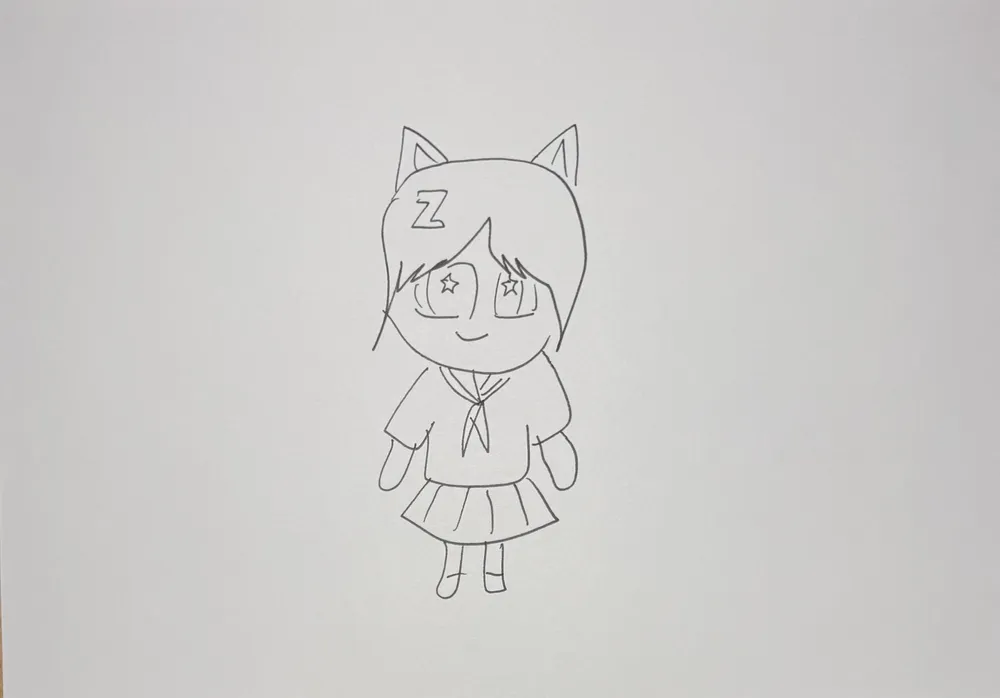
Start from the line drawing and watch color spread across it like magic until the picture comes alive.
Make one like this2 steps · about 6 credits in allThe 10 credits you get for signing up cover one
Already colored one? Use one of your worksLines only, no coloring. Clear, closed lines make the coloring more accurate.
Color the line drawing once in KidsAI — or let your child color it and photograph it again from the same spot.
Both must be the same picture so the video can turn the lines into color.

1Draw a line drawing in black pen, without coloring it
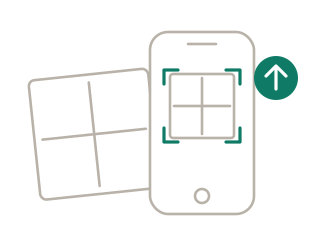
2Snap or upload the drawing and crop to the paper's edge
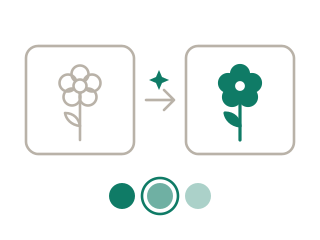
3Color the line drawing: pick a style and AI colors it in about a minute — that's your end picture
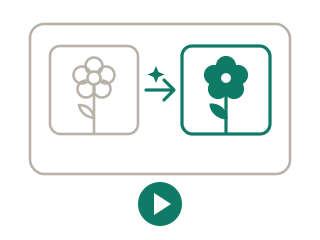
4When it's colored, tap “Make it move”: the start (line drawing) and end (colored) are already in place — generate your 6-second video
Magic glows in the middle of the page: colorful sparks hop along the lines, and wherever they land, color wells up from the lines in watercolor ripples. Background, main character and every detail fill with their own colors one by one as sparkly color dust swirls. Once it's all colored, everything moves gently and settles into the finished colored look. The camera stays still.
“Make one like this” fills it in for you, and you can change it.
The end picture is the colored version. The video slowly turns the line drawing into it, so both must be the same picture.
Yes. Photograph the drawing before coloring and again after, then use them as start and end. Keep the framing as similar as you can.
6 seconds — enough for the color to fill in and the character to move. Switch to 10 seconds before generating if you want longer.
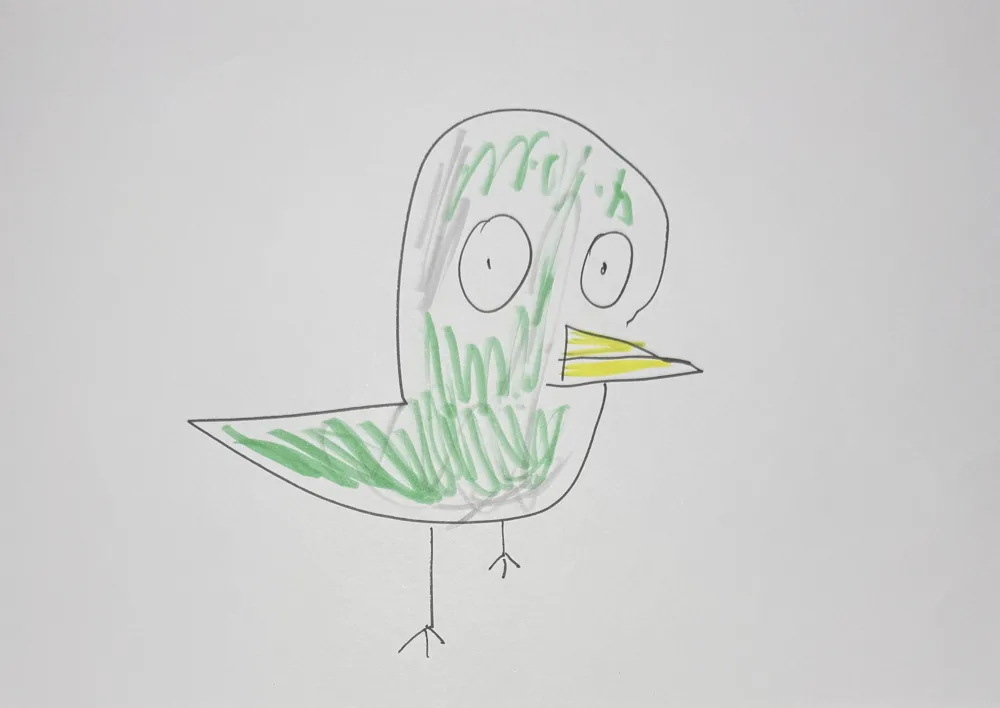 Make It Real2 steps · about 9 credits in all
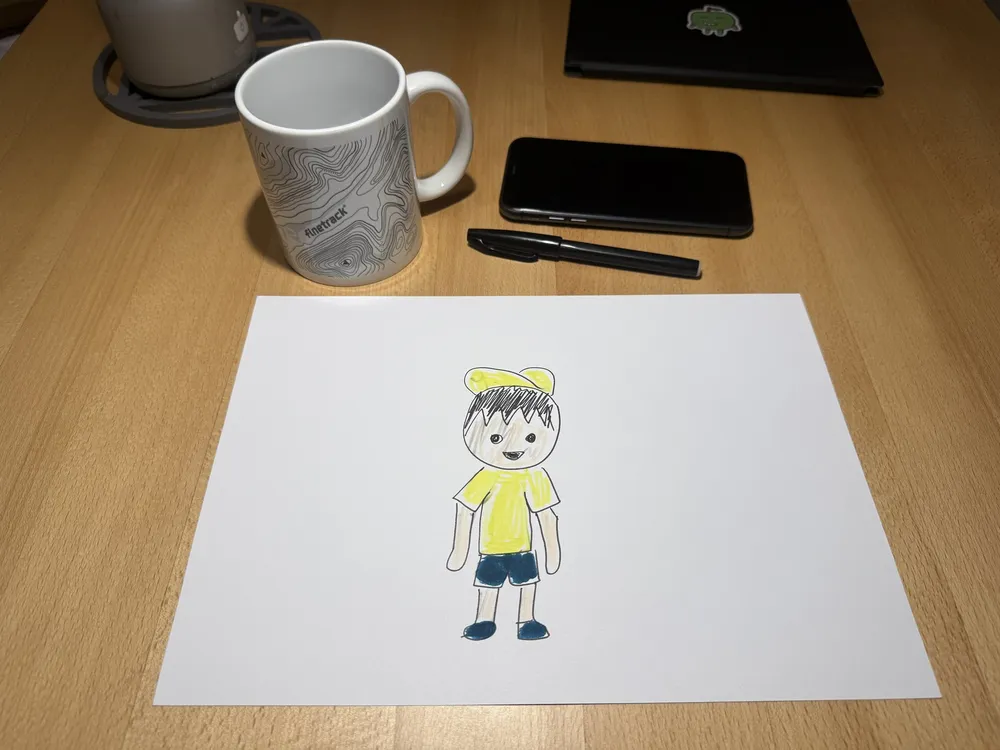 Out of the Paper10 sec · about 8 credits
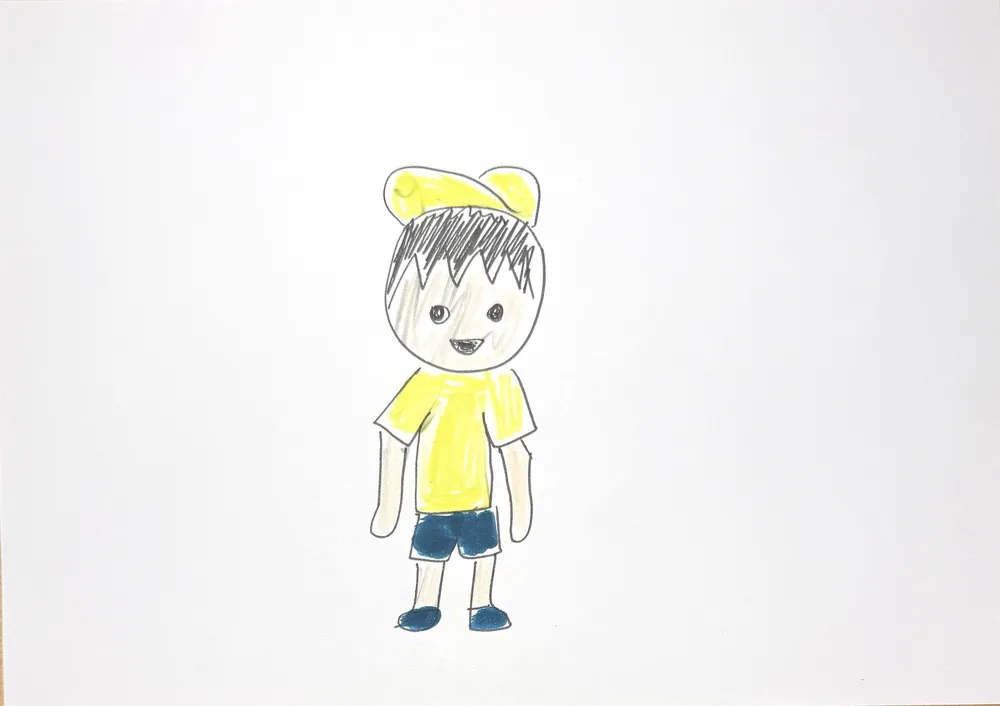 Into the Real World15 sec · about 12 credits
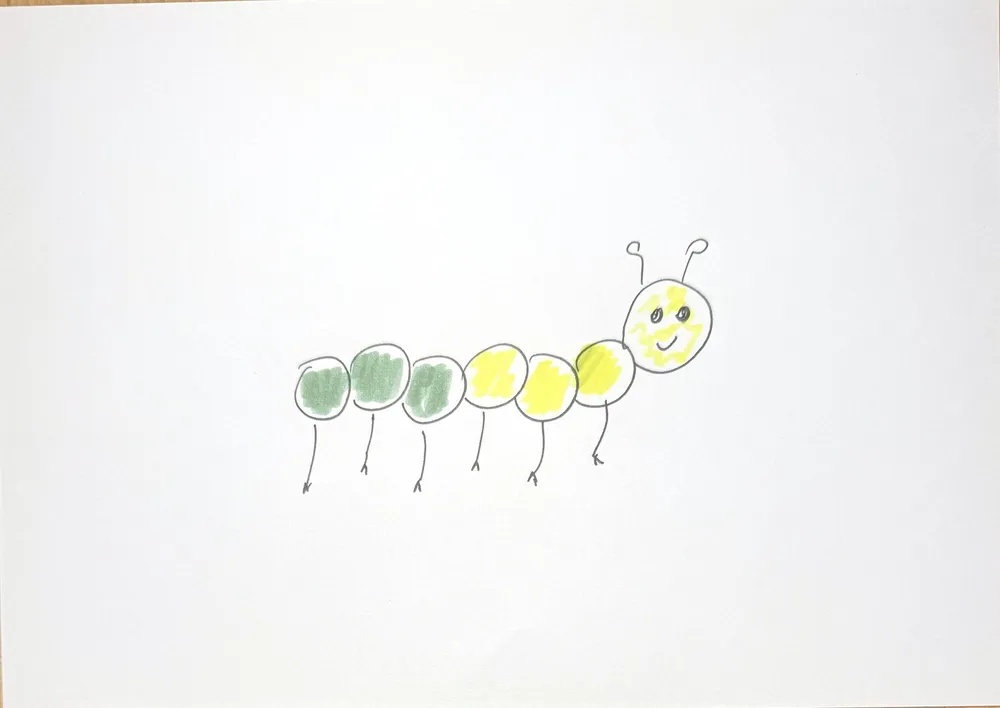 Grow Up in a Blink10 sec · about 8 credits
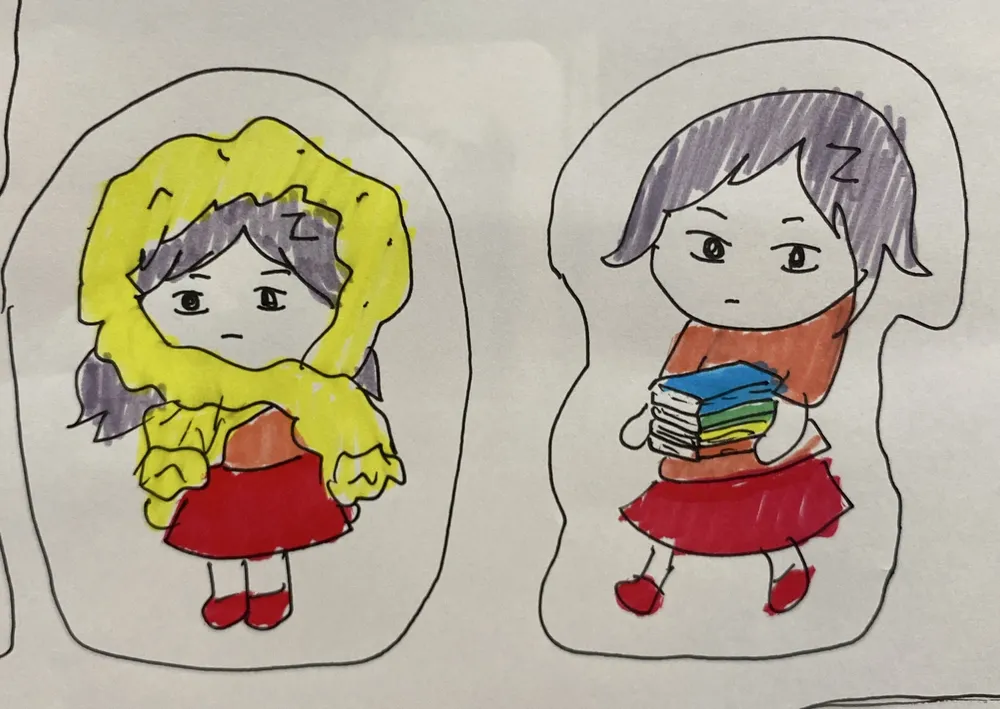 Balloon Pump2 steps · about 6 credits in all
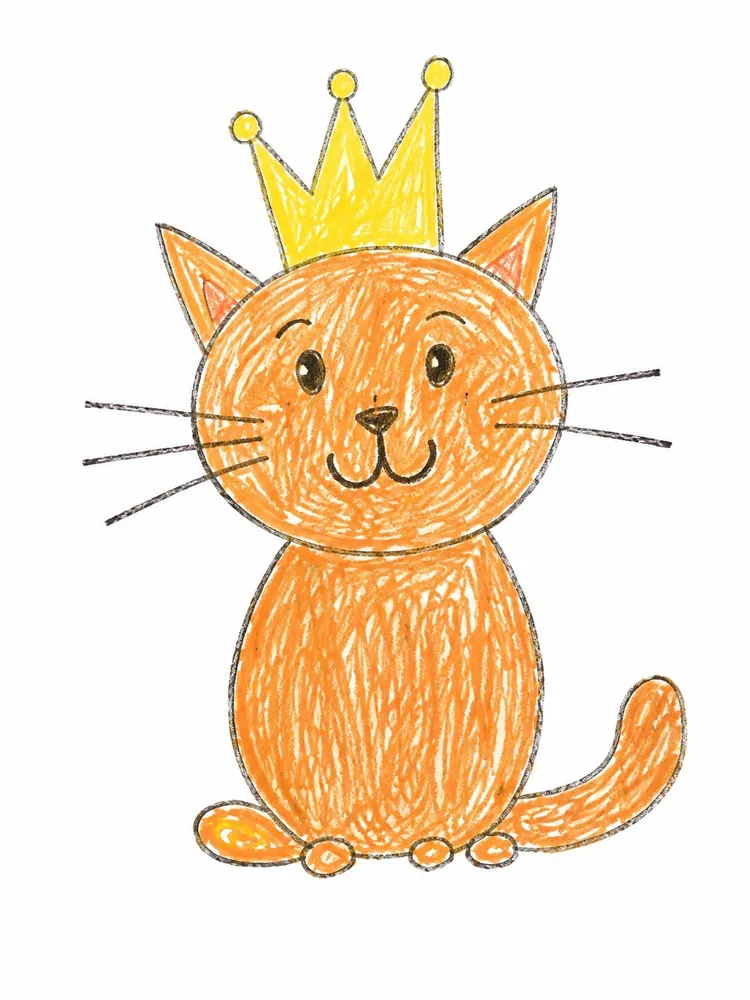 Hug-Me Plush2 steps · about 6 credits in all
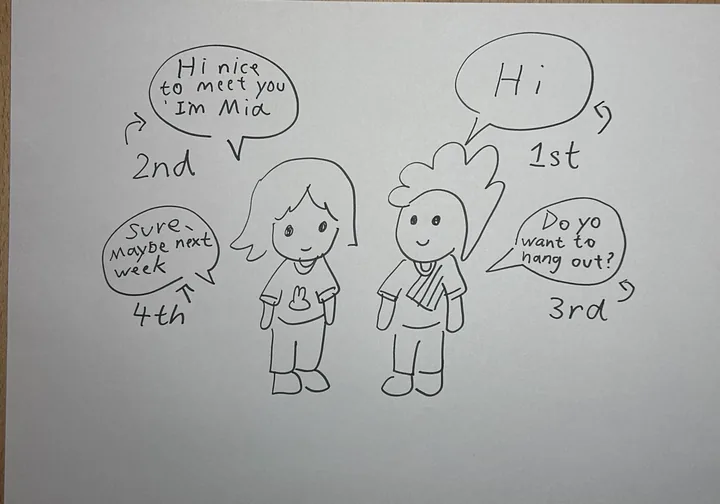 Talking drawings10 sec · about 8 credits
 Comic strip10 sec · about 8 credits