

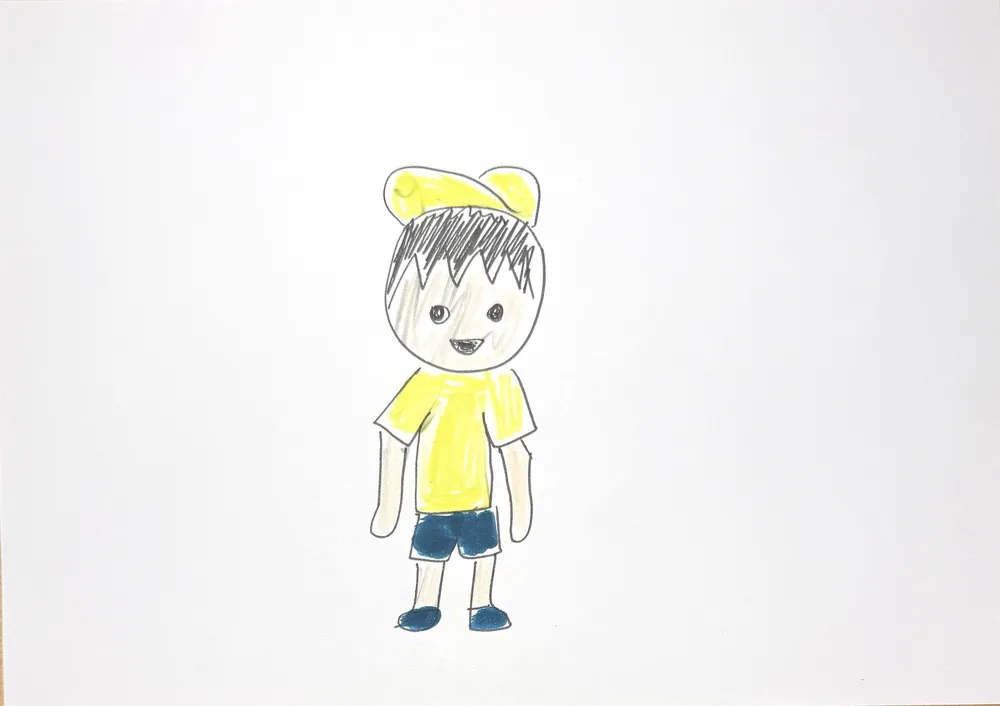
 Drawing
Your child's character shrinks to thumb size and wanders into a real corner of your home, exploring giant mugs and slippers while still looking like the drawing.
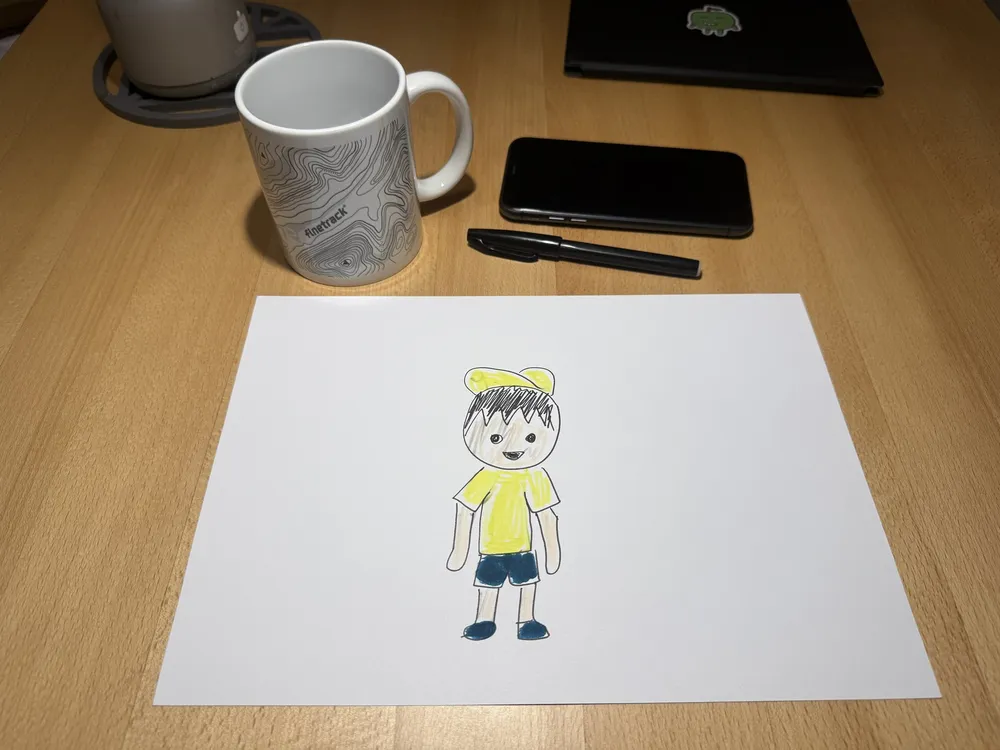
Make one like this15 sec · about 12 creditsOn its own page, drawn from head to toe. Colored by your child looks even better.
“Make one like this” already has 3 sample rooms in place, ready to use. To bring it into your home, swap in 2–3 photos of your own: hold the phone close to a table or the floor so mugs or slippers look huge, with no people in it.
When you make it, put the drawing in “Main”. The sample rooms are already in the next three boxes and the description is written.
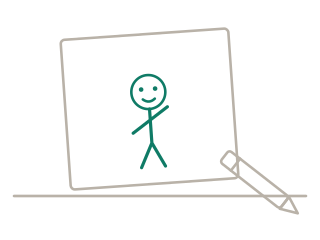
1Draw one character on its own page, from head to toe
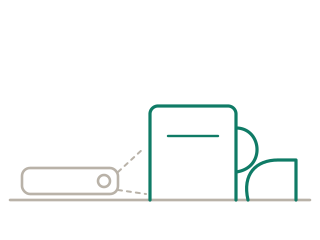
2Optional, to bring it home: hold the phone low on a table or the floor and photograph 2–3 corners, or just use the sample rooms
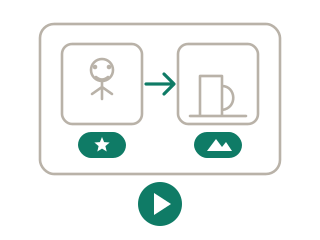
3Tap “Make one like this”: add the drawing; sample rooms and description are set (swap in your own photos if you like), so just generate your 15-second video
The main character becomes a thumb-high flat figure that keeps the child's drawing and walks into the real places in the background photos, one by one, at each climbing the biggest thing with effort and sliding down. It always stays tiny; everyday objects tower like buildings. It ends waving from up high. Real photo backgrounds; a low macro camera keeps its distance so it stays small.
“Make one like this” fills it in for you, and you can change it.
The lower the better — right on the table or floor, with a mug, lamp or slippers big in the frame. The bigger the things, the tinier the character looks, and the more fun it is.
“Make one like this” already has 3 sample rooms you can use as they are. With your own photos, add 2 or 3; with 3, the character visits three places in a row, so the 15 seconds are packed with more story.
No. The character keeps looking like the child's drawing; only the world around it is real. To make the character real too, try “Make It Real”.
No. To protect privacy, photos with real people can't be used — just pick a corner with nobody in it.
 Out of the Paper10 sec · about 8 credits
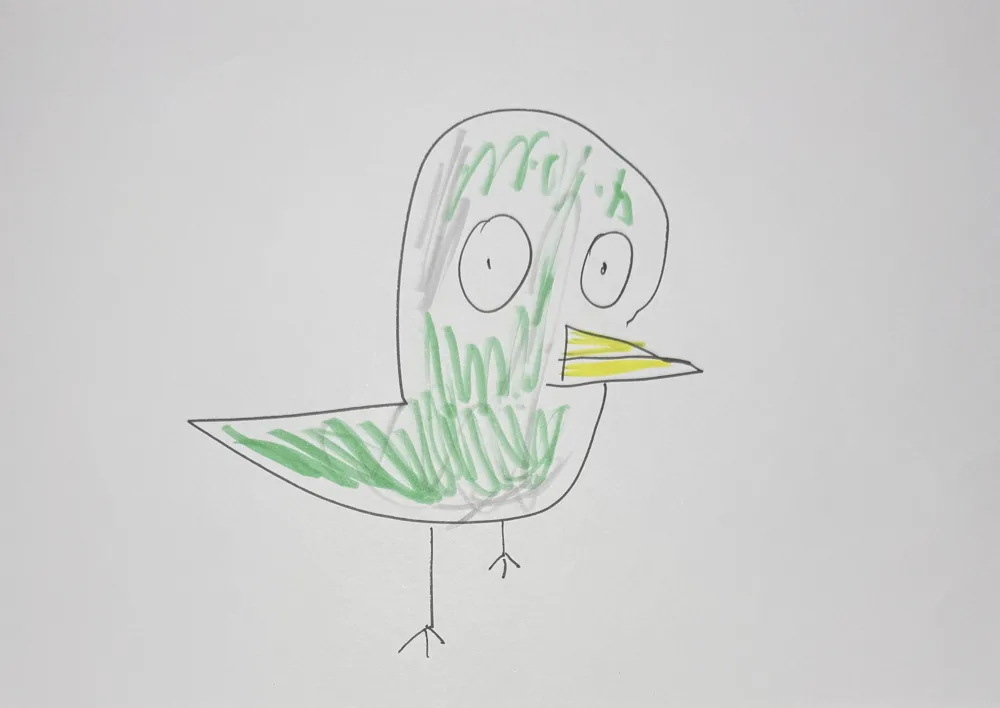 Make It Real2 steps · about 9 credits in all
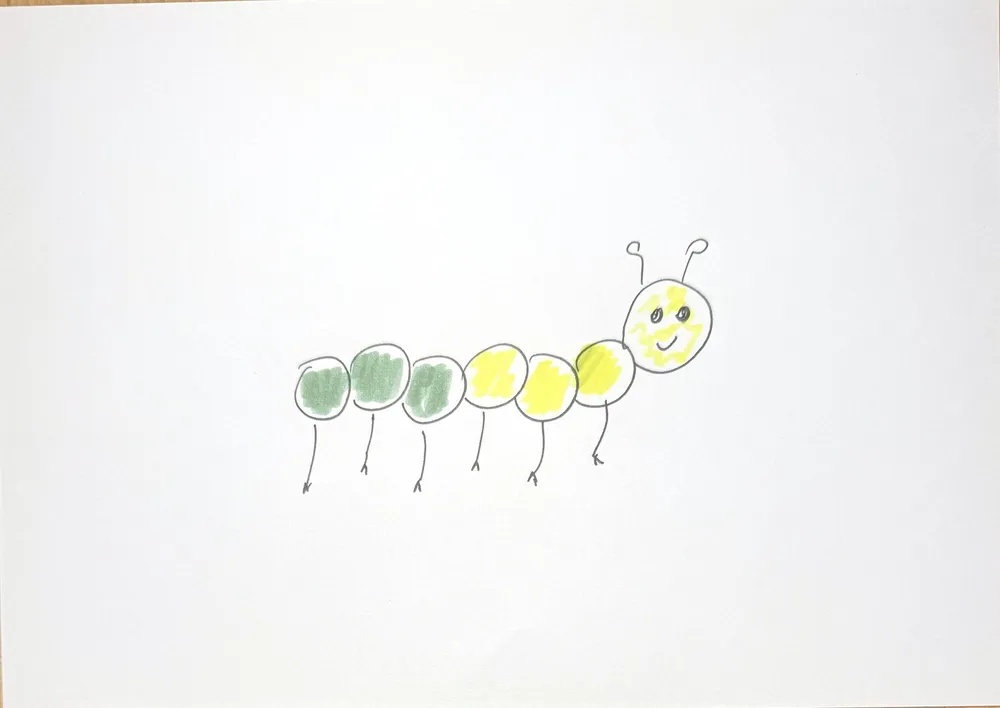 Grow Up in a Blink10 sec · about 8 credits
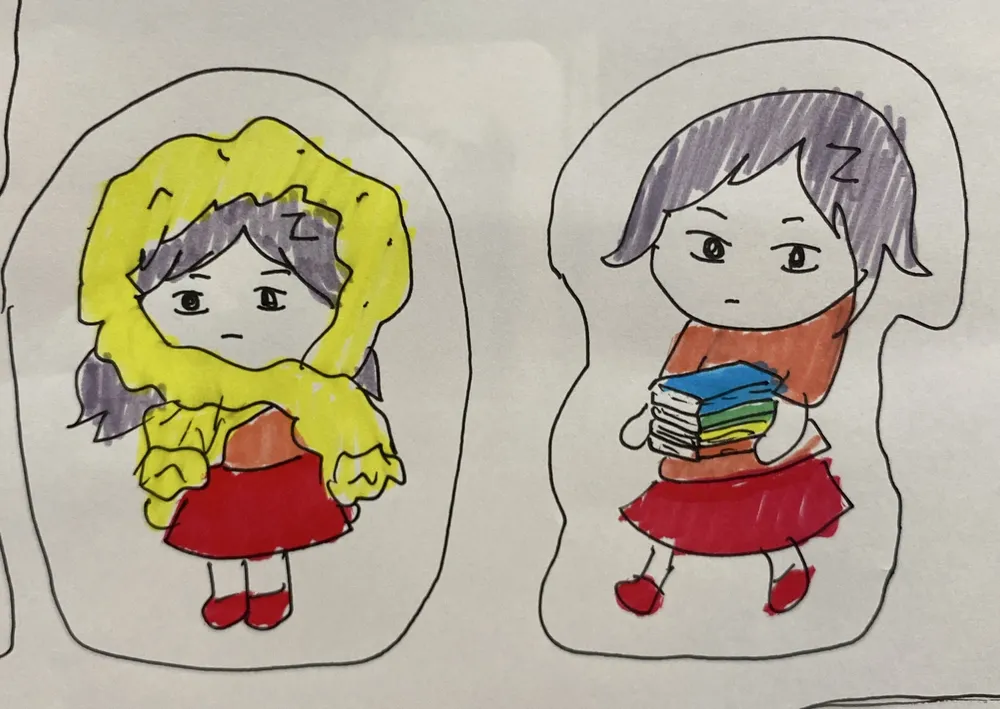 Balloon Pump2 steps · about 6 credits in all
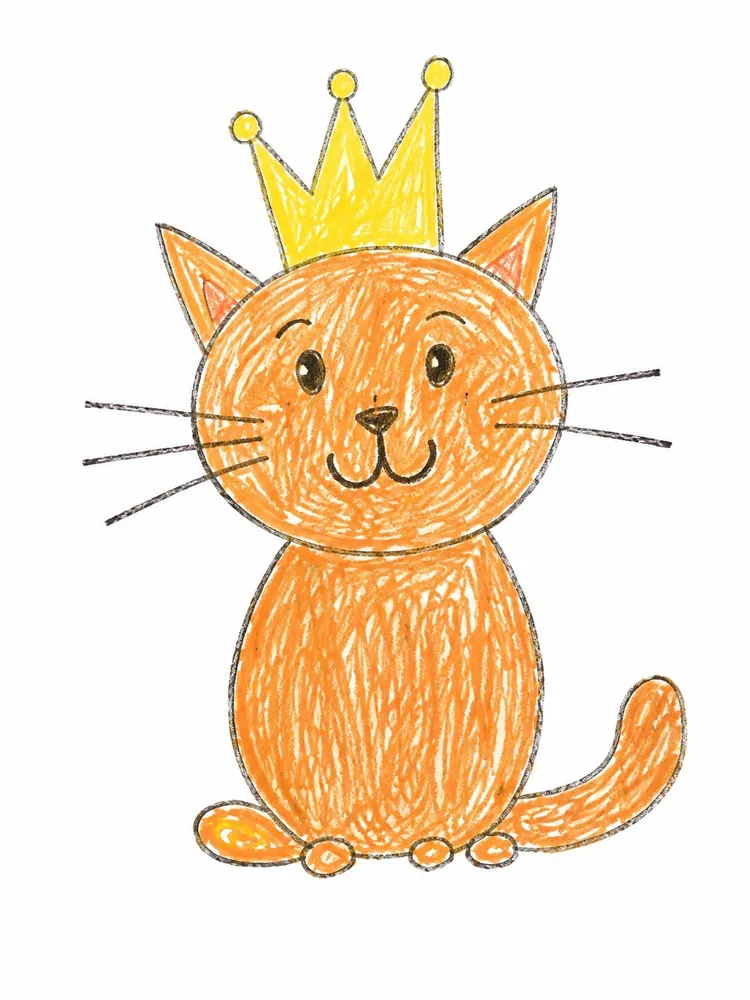 Hug-Me Plush2 steps · about 6 credits in all
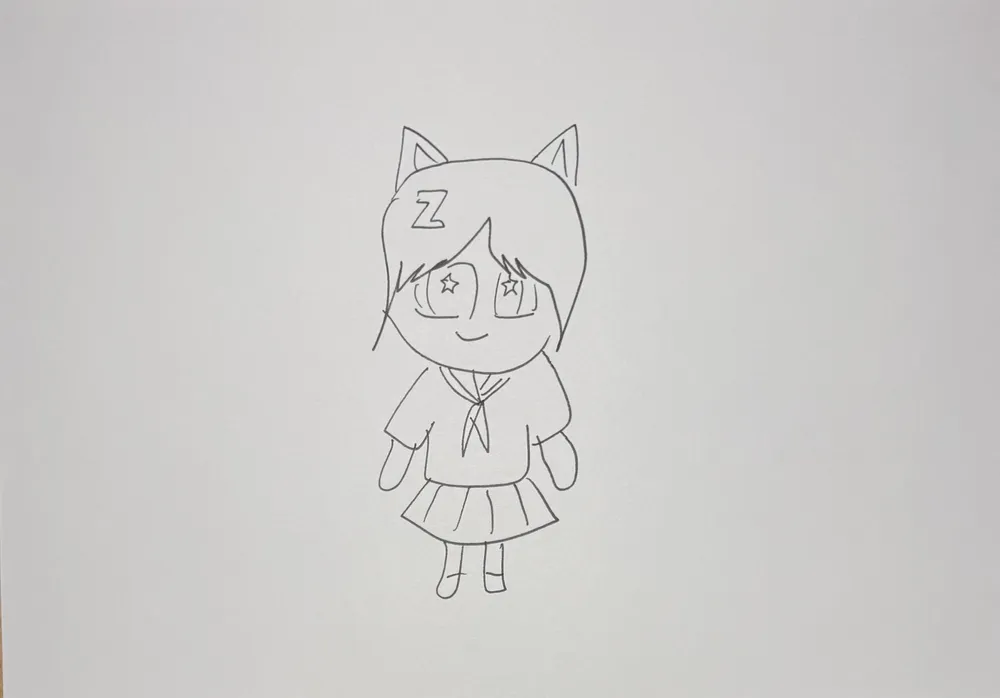 Magic Color Reveal2 steps · about 6 credits in all
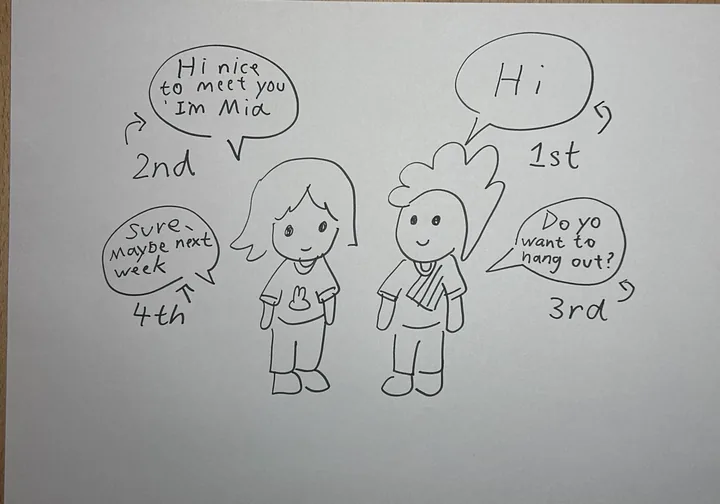 Talking drawings10 sec · about 8 credits
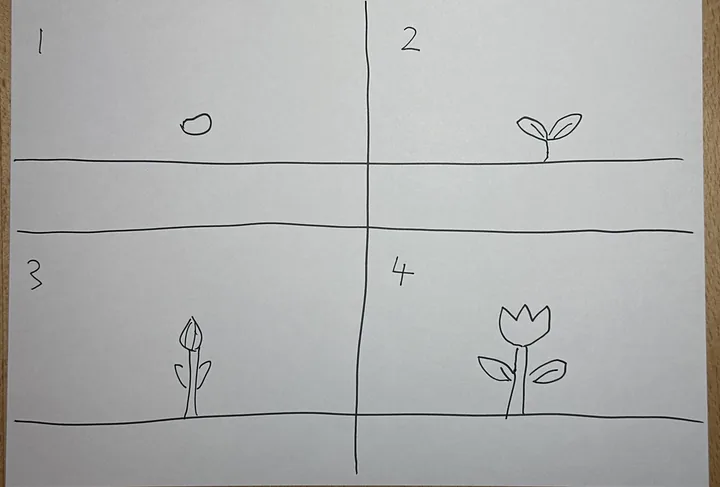 Comic strip10 sec · about 8 credits