
 Drawing
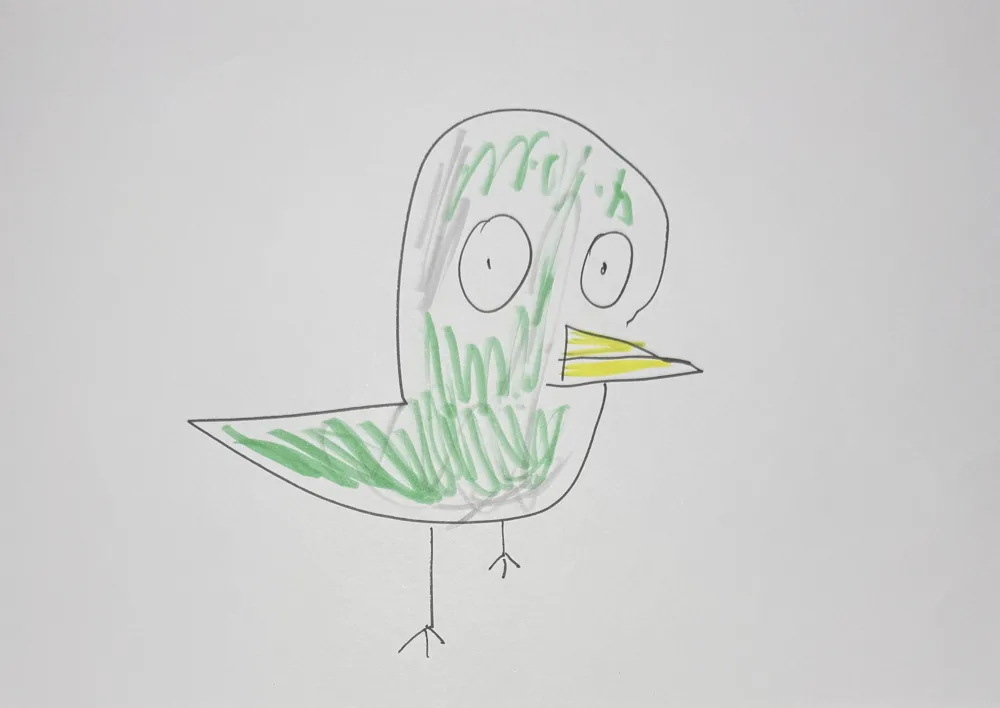
Your child's creature becomes real, every quirky detail kept, and roams around like in a nature documentary.
Make one like this2 steps · about 9 credits in allThe 10 credits you get for signing up cover one
Already colored one? Use one of your worksMade-up creatures are welcome. Draw the whole body — the quirkier, the better.
A huge head, wonky eyes or six legs all become real — nothing gets “corrected”.
AI turns the drawing into a real-looking photo in about a minute; the video is made from that photo.
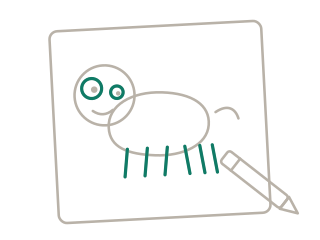
1Draw an animal or a monster from head to toe — the quirkier, the better
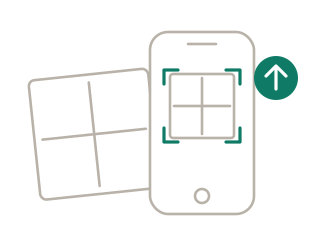
2Snap or upload the drawing and crop to the paper's edge
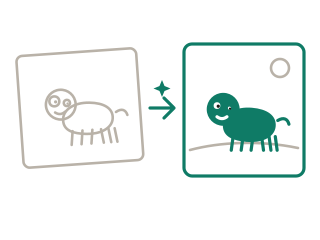
3Pick the “Real Life” style: AI turns it into a real-looking photo in about a minute
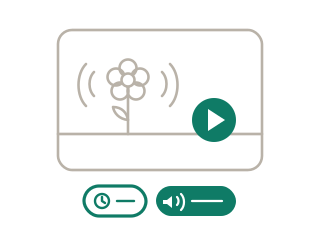
4When it's colored, tap “Make it move”: settings and description are filled in, so just generate your 10-second video
Like a real nature-documentary shot: it takes a few natural steps, looks around and sniffs the ground, ears and tail twitching gently. A steady telephoto camera follows slowly in natural daylight, keeping the look of a real photograph from start to finish, with playful, comedic background music.
“Make one like this” fills it in for you, and you can change it.
No. Shapes, proportions, the number of legs and the colors all follow the drawing — as if that exact creature really existed.
Full-body animals, monsters and dinosaurs. People work too, but animals give the biggest surprise.
Yes. First turn it into a real-looking photo with “Real Life”, then animate that photo. Animating the drawing itself gives a cartoon look.
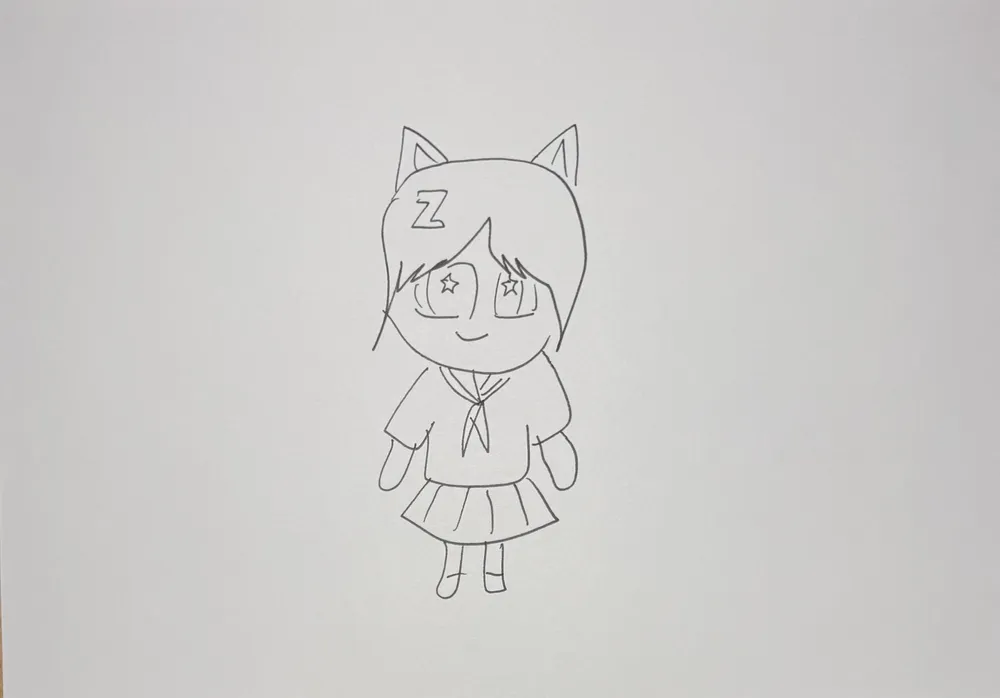 Magic Color Reveal2 steps · about 6 credits in all
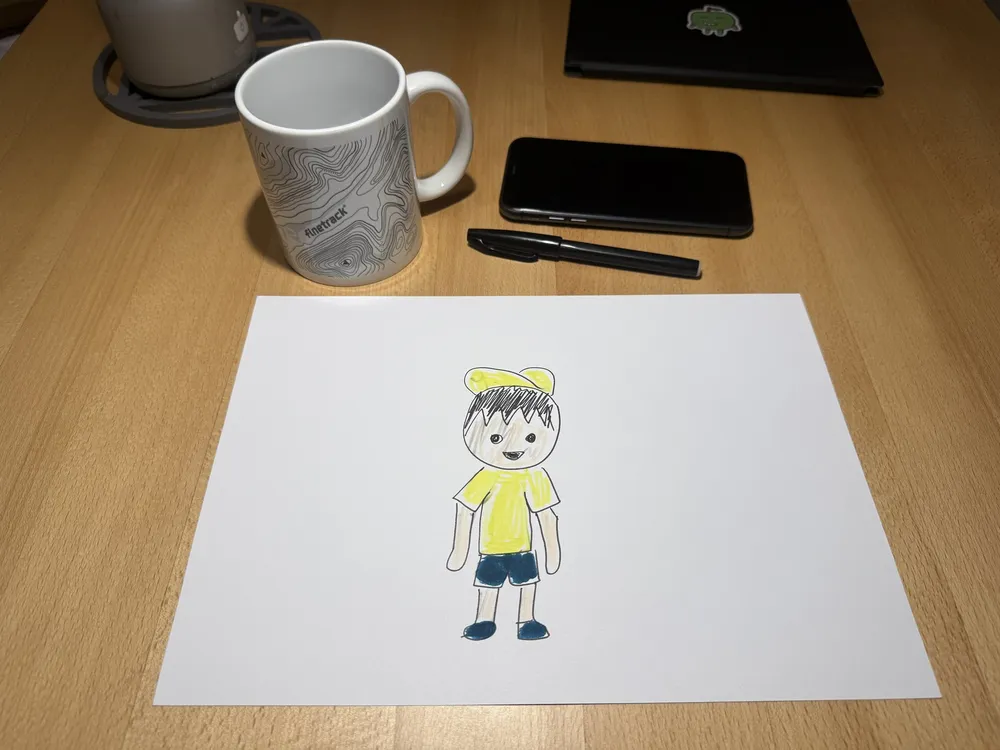 Out of the Paper10 sec · about 8 credits
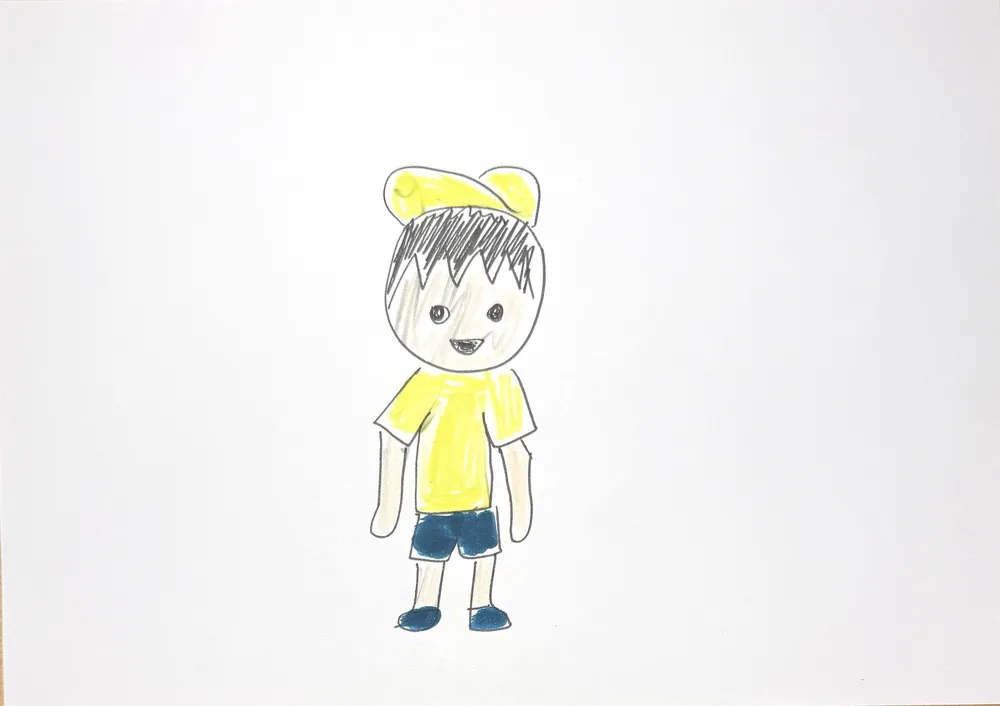 Into the Real World15 sec · about 12 credits
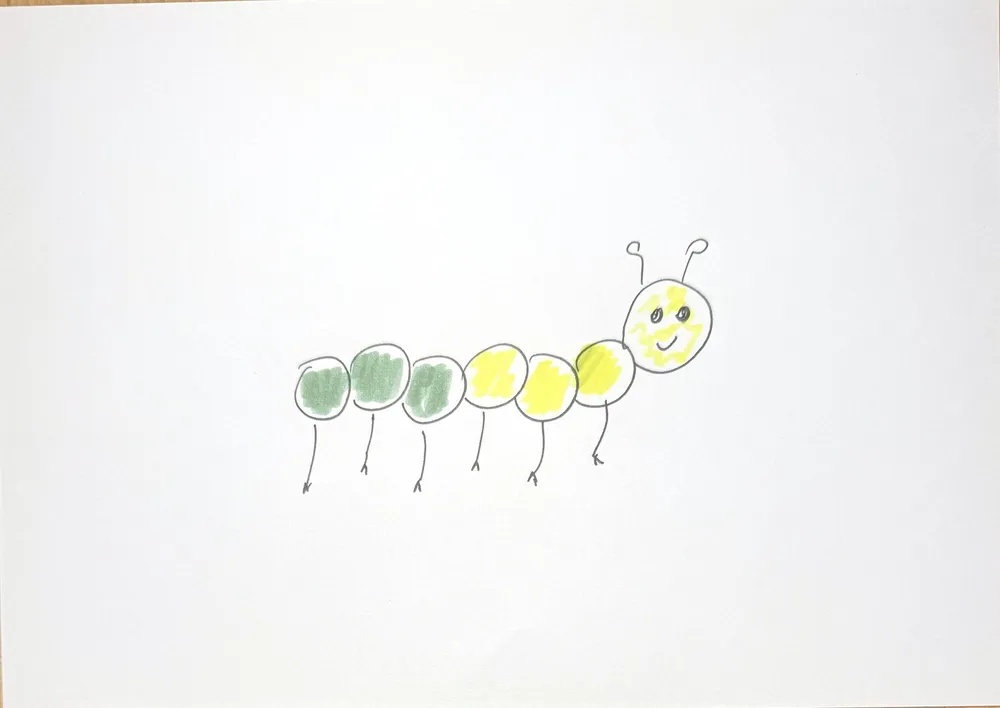 Grow Up in a Blink10 sec · about 8 credits
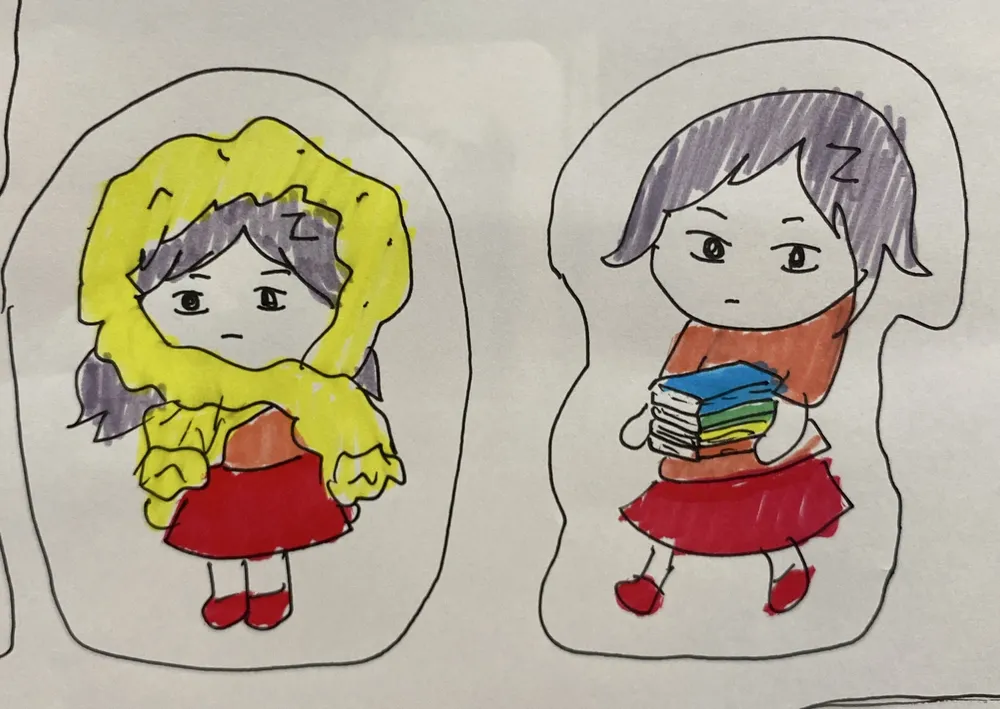 Balloon Pump2 steps · about 6 credits in all
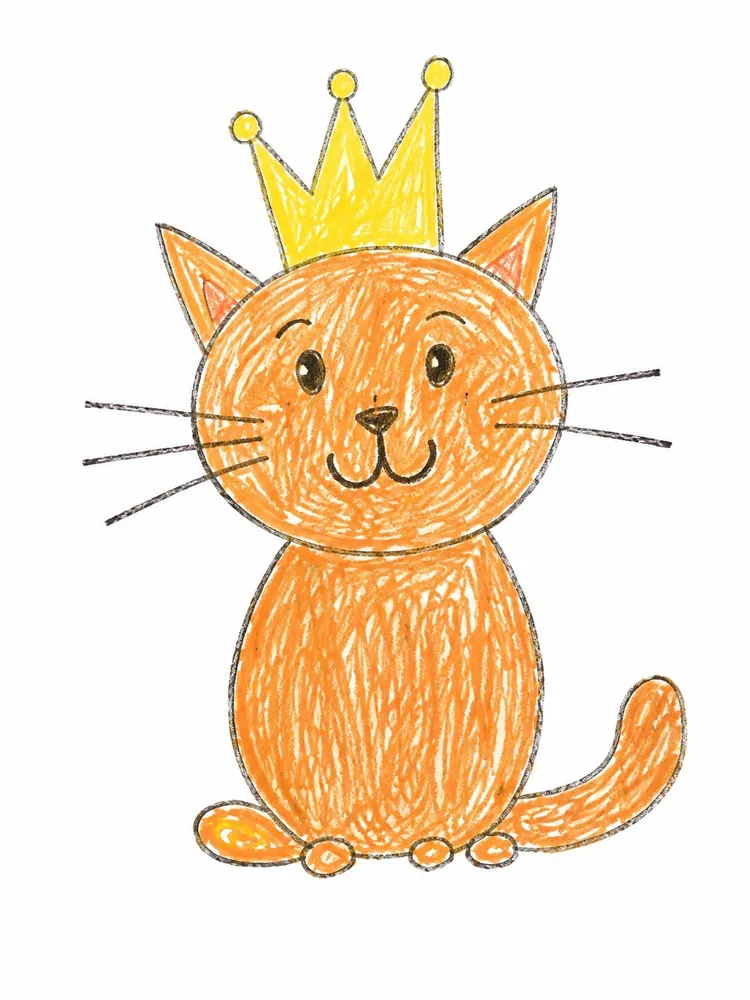 Hug-Me Plush2 steps · about 6 credits in all
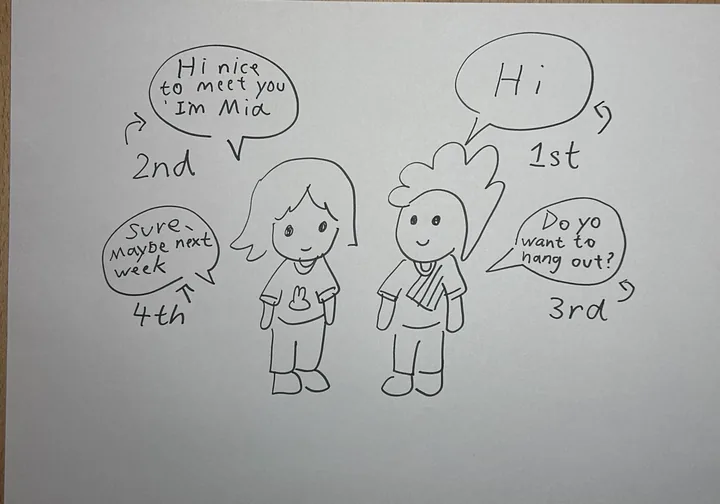 Talking drawings10 sec · about 8 credits
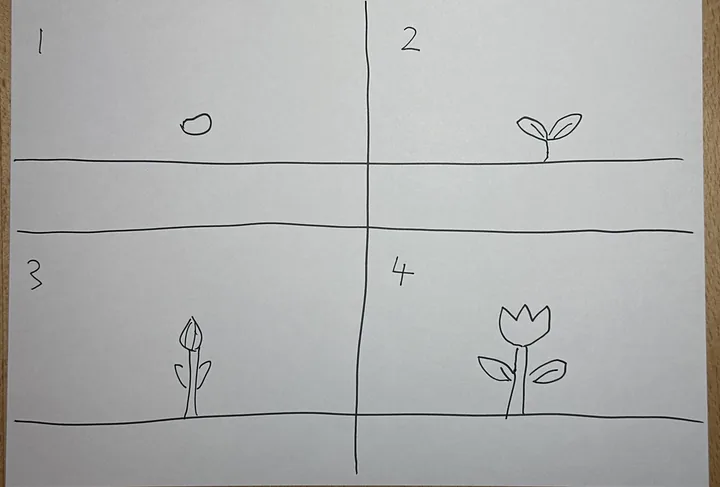 Comic strip10 sec · about 8 credits