
 Drawing
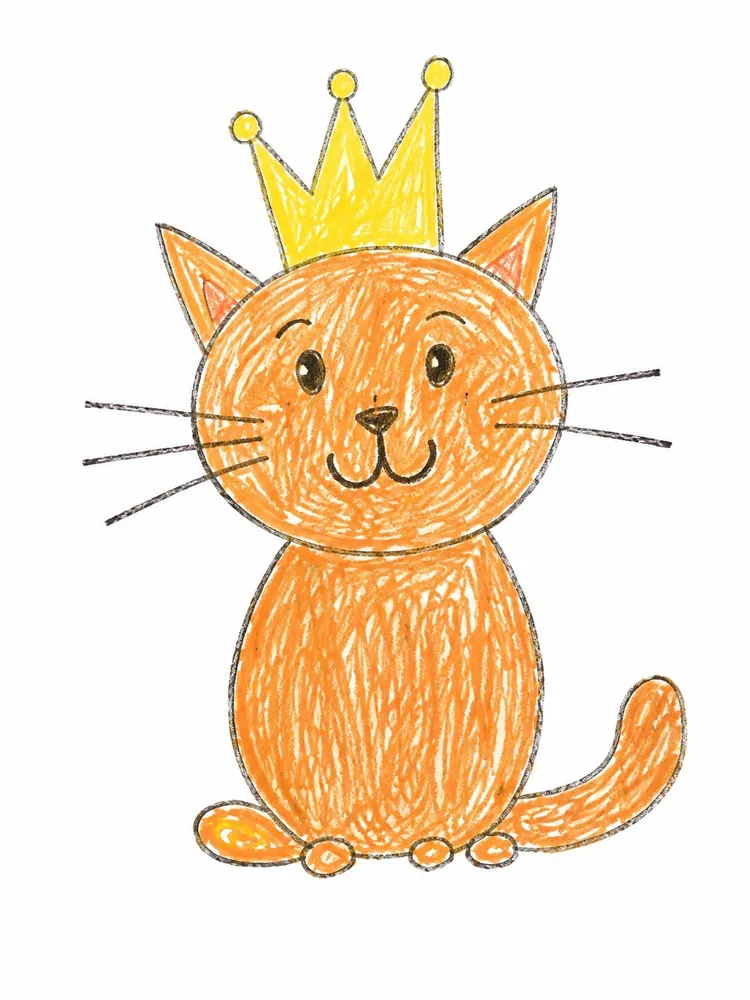
Fluff grows out of your child's drawing until it puffs up into a cuddly plush toy that looks exactly like the drawing.
Make one like this2 steps · about 6 credits in allThe 10 credits you get for signing up cover one
Already colored one? Use one of your worksDraw it whole and big. When your child colors it in, the change flows best.
AI turns the drawing into a plush toy, which becomes the video's end picture.
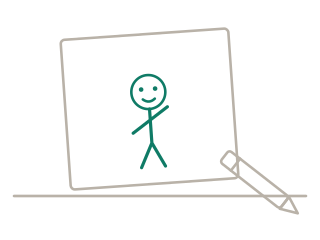
1Draw one character from head to toe; colored in by your child works best
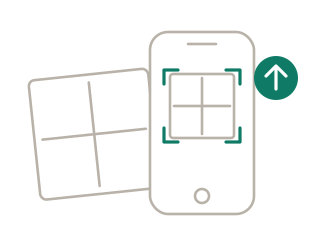
2Snap or upload the drawing and crop to the paper's edge
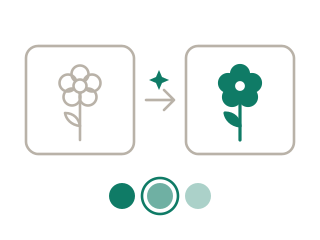
3Pick the “Wool Felt” style: AI makes the plush version in about a minute — that's your end picture
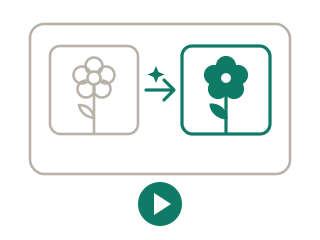
4When it's colored, tap “Make it move”: the start (your drawing) and end (the plush version) are in place — generate your 6-second video
Soft fluff grows out of every line and the drawing slowly puffs up into a cuddly plush toy that looks exactly like it; fine stitches and a real shadow appear, then it gives one gentle wobble and settles.
“Make one like this” fills it in for you, and you can change it.
Yes. Shapes, proportions, face and colors follow the drawing — only the texture becomes felt.
Yes. But when your child colors it first, the drawing and the toy share the same colors, so the change looks smoother.
6 seconds — just right for the whole change. Switch to 10 seconds before generating for more.
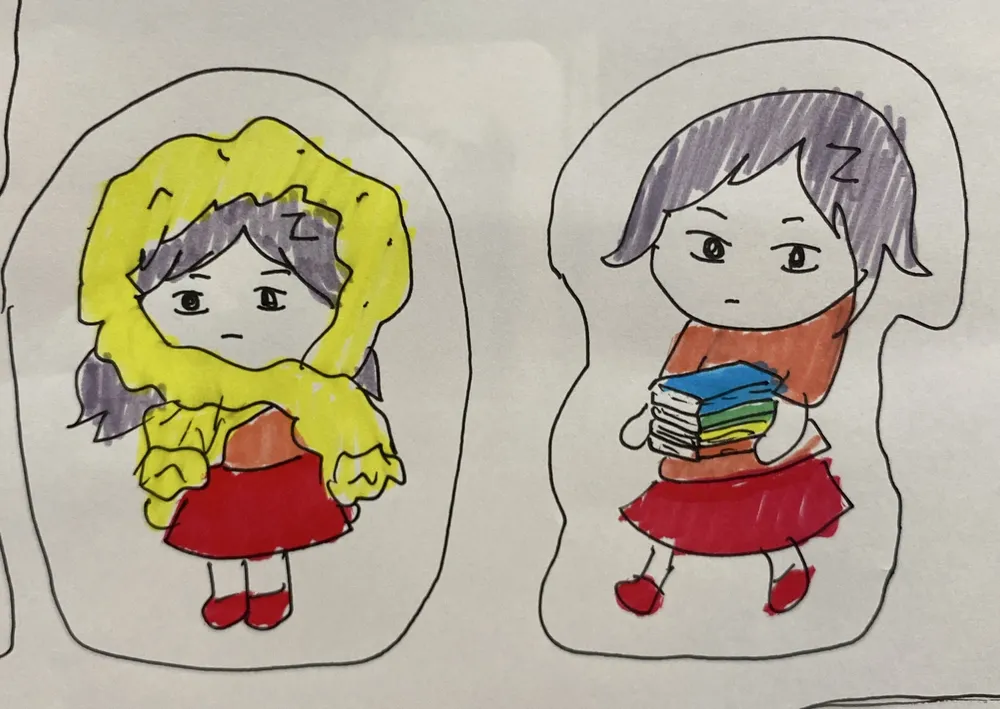 Balloon Pump2 steps · about 6 credits in all
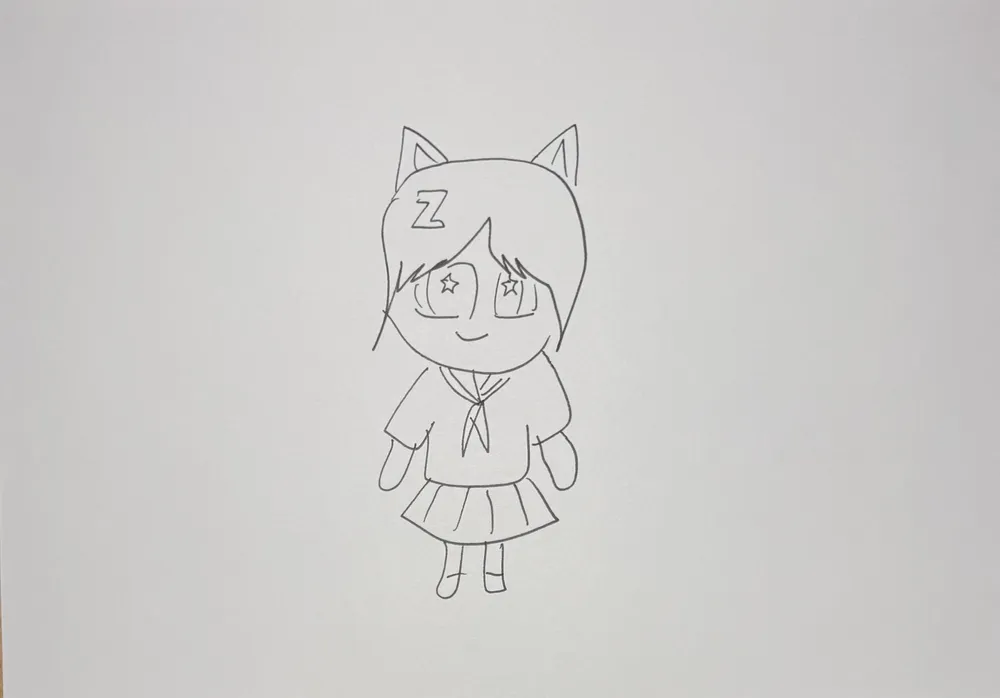 Magic Color Reveal2 steps · about 6 credits in all
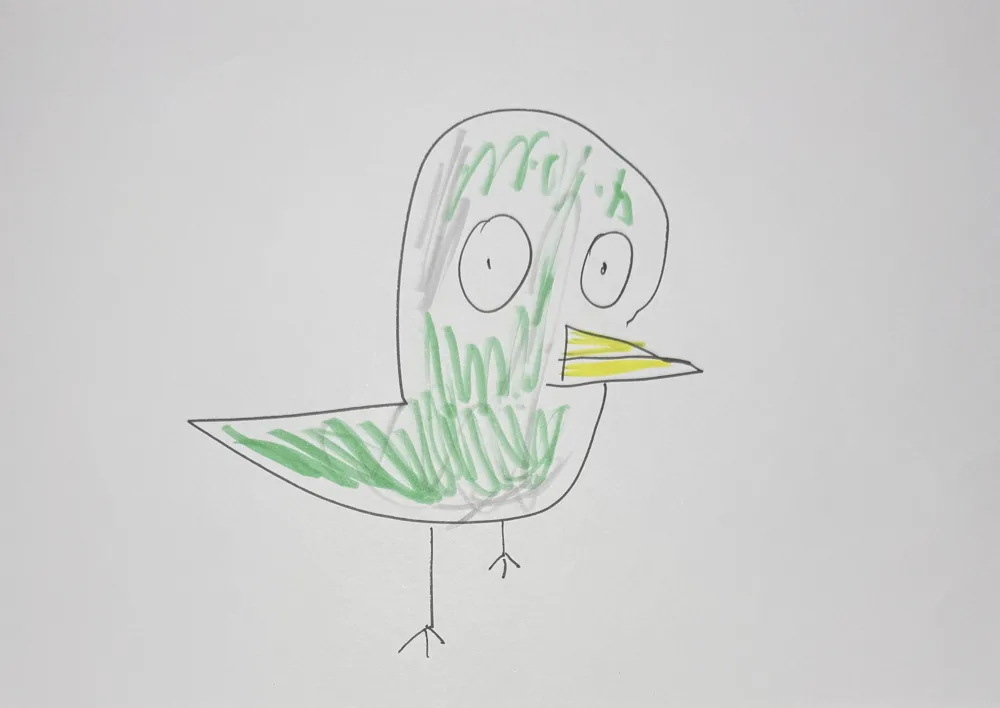 Make It Real2 steps · about 9 credits in all
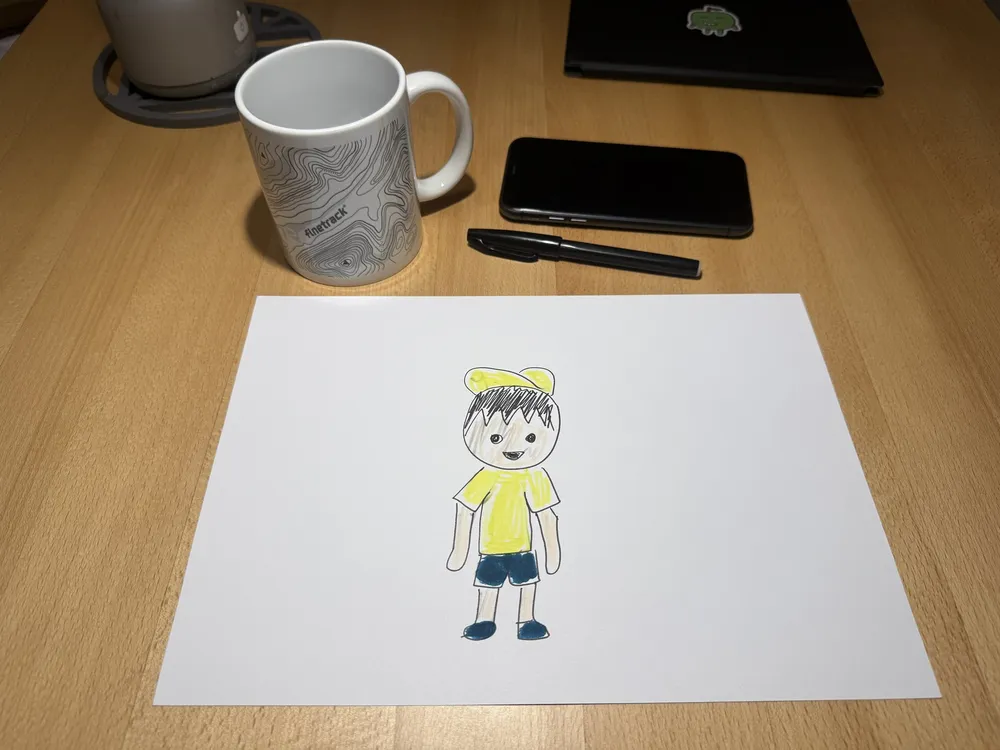 Out of the Paper10 sec · about 8 credits
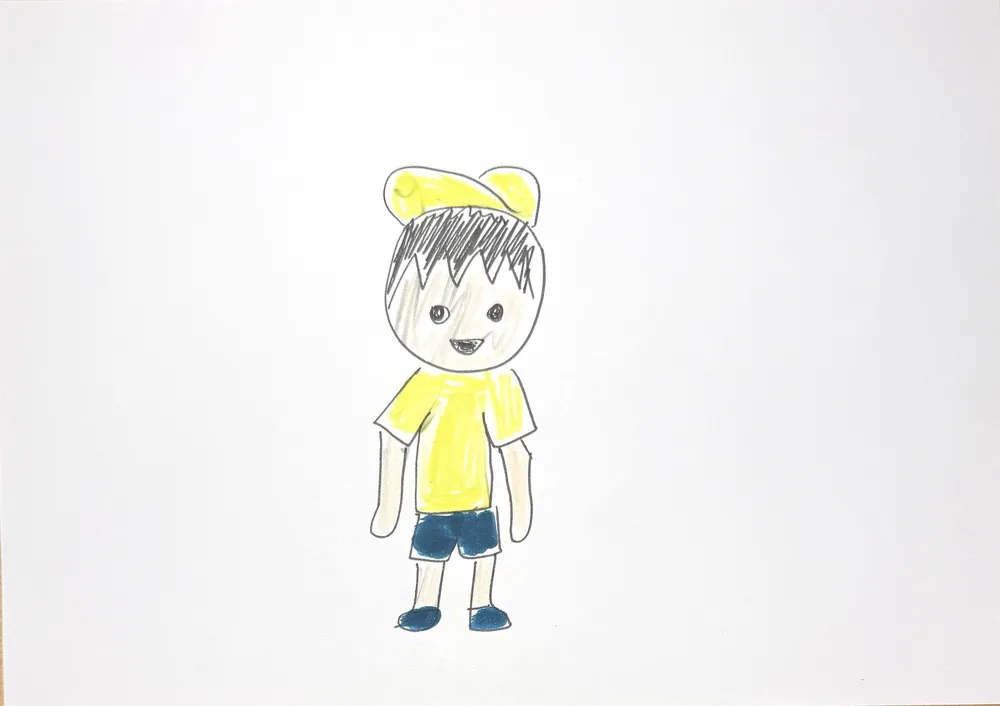 Into the Real World15 sec · about 12 credits
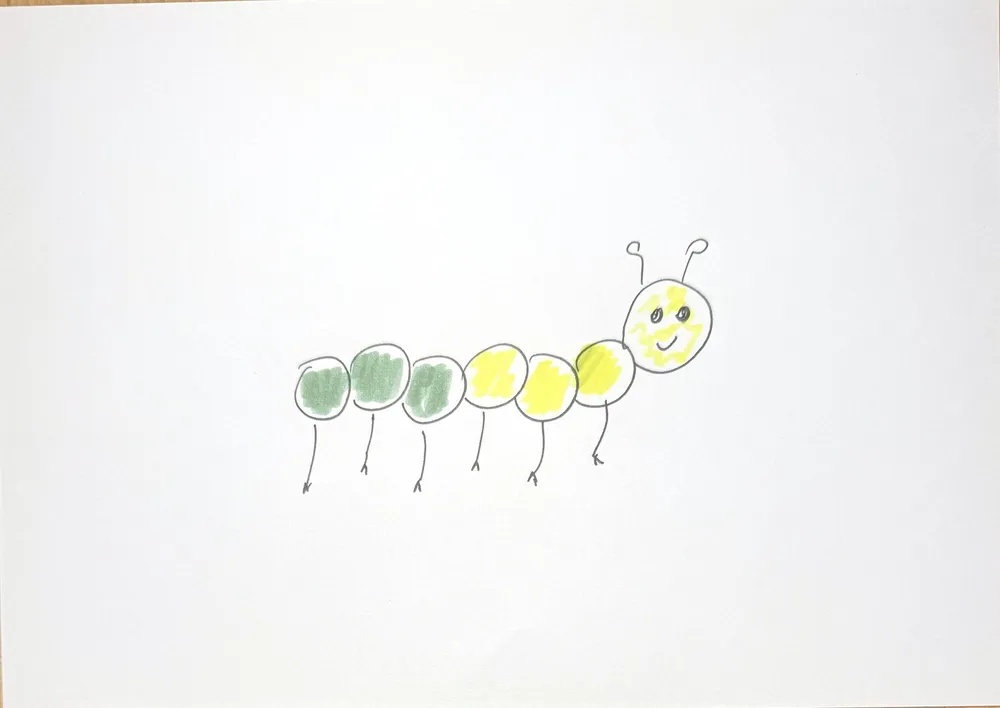 Grow Up in a Blink10 sec · about 8 credits
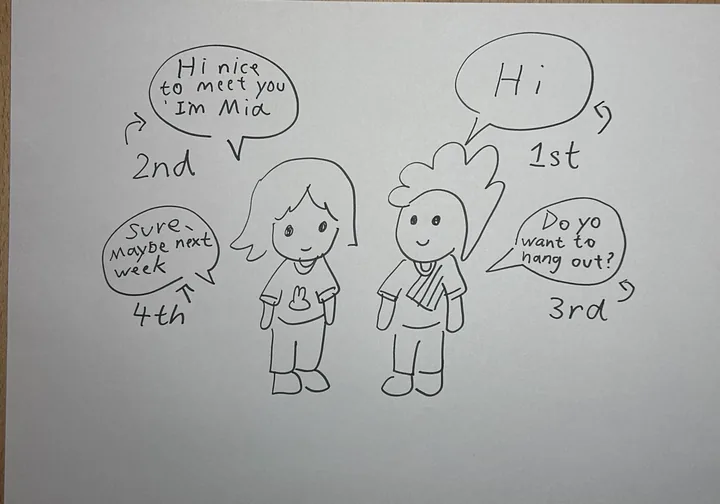 Talking drawings10 sec · about 8 credits
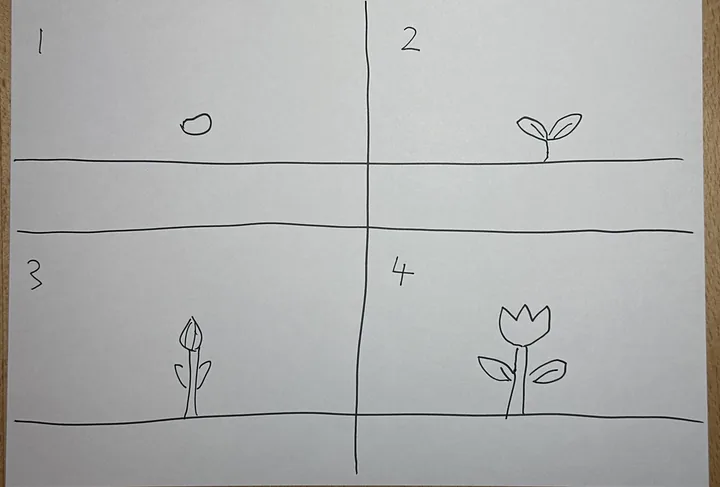 Comic strip10 sec · about 8 credits