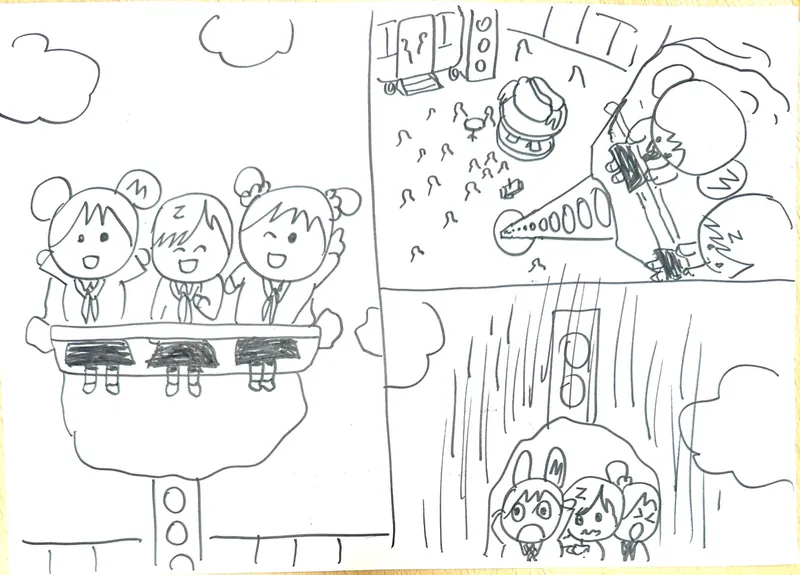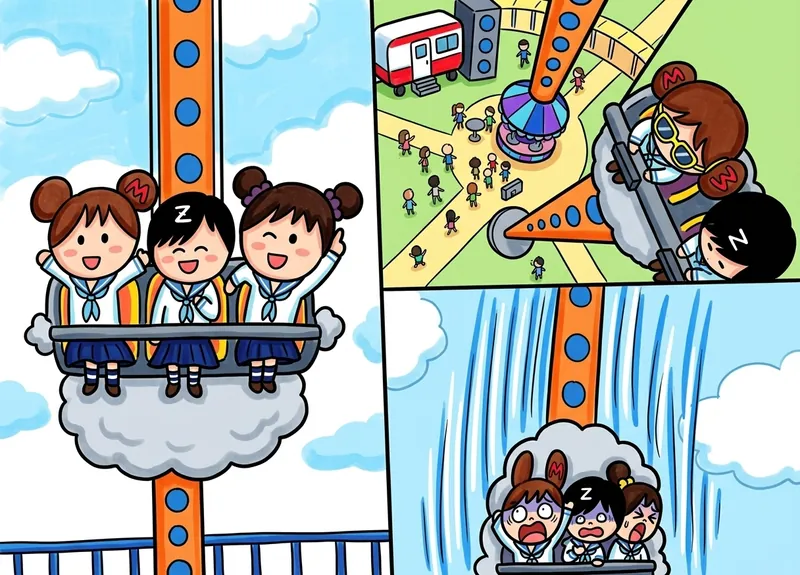




Clay figures, sock creatures, paper crafts, brick builds — snap one photo and watch it star in its own little film.
See how it works →Our video tool is tuned to animate kids drawings with gentle, faithful motion that keeps the spirit of the original. The goal is to make kids want to draw the next piece, not impress with effects.
Color with watercolor, crayon, 3D, pixel, clay, marker, comic, ink, anime and more. Animate with peaceful, dynamic, humor, or narrative moods — each tuned for kids' drawings.
No open chat. No ads. No data sold. No AI training on your child's uploads. Built from the ground up for families with kids ages 3–12. See About & Safety.
A kids creativity app for rainy-day art projects and easy art projects for kids — finished, share-ready pieces in minutes, no art-teacher background needed.
Drop KidsAI into your homeschool art curriculum as a preschool art activity or K–5 lesson — every child's drawing finishes into a real piece they're proud of.
Seasonal art ideas for every holiday — animate the result into a short clip for grandparents.
Everything parents and homeschool teachers usually ask before starting with KidsAI.
Take a clear photo of a pencil sketch, crayon drawing, marker picture, or already-colored artwork. Upload it to KidsAI, choose a motion mood, and generate a short AI animation while keeping the child's original composition recognizable.
KidsAI is a paid AI art platform for kids ages 3–12 with a free trial. New accounts get 10 free credits. Coloring a drawing costs 1 credit (20+ styles to choose from); animating one into a video costs 5–22 credits depending on the length and resolution you pick. Paid plans start at $3.99/month; no credit card required to start the trial.
Most AI coloring page generators turn a photo into black-and-white line art for printing. KidsAI works the other way: it takes your child's actual drawing or sketch and finishes it in color — watercolor, crayon, 3D render, comic, pixel art and more. The lines stay your child's; only the rendering is added by AI.
You can browse 20+ styles and gallery samples without an account. Generating the first piece requires an account so we can give every kid 10 starter credits and save their gallery. There's no credit card required to start the trial, and no ads — paid plans are for families who color and animate often.
Yes — KidsAI is built with homeschool families in mind. We're publishing a 12-lesson homeschool art curriculum covering K–5 grades, where each lesson uses KidsAI to finish or animate the child's artwork. No art-teacher background needed; each lesson takes 30–60 minutes and aligns with NCAS visual arts standards.
Yes. KidsAI is 100% ad-free, with strict content moderation tuned for children's artwork. We never use uploaded drawings to train AI models, never share data with third parties, and the app is designed for adults to operate alongside or for kids to use independently. No public uploads — only you control what's shared.
How to protect children's creativity in the AI era? Parents should shift from "teaching" to "accompanying", making AI a magic paintbrush for kids.
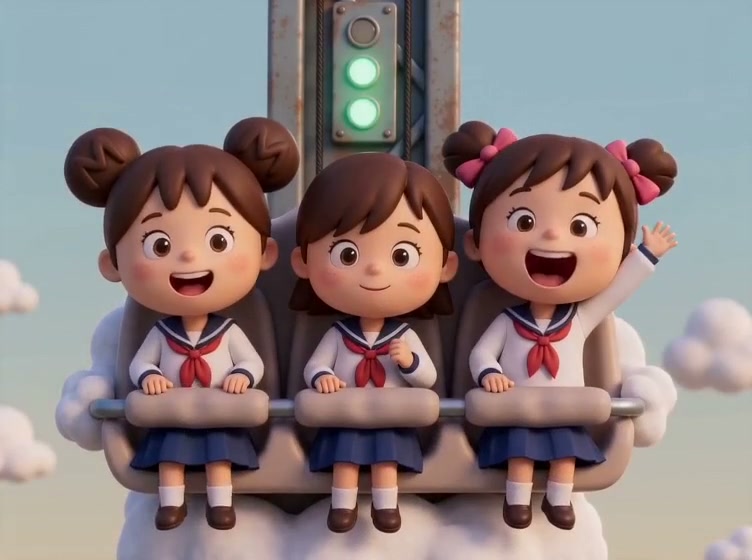
Upload your child's drawing and let AI animate it into a short video. KidsAI preserves the original artwork while adding gentle motion — free trial: 10 credits, no credit card.
Take KidsAI anywhere
Scan to get the iPhone app — turn your child’s drawing into animation on the go.